
Army Fitness Calculator
Calculate AFT scores and track progress
Benjamin Hultquist
iPhone Screenshots
Description
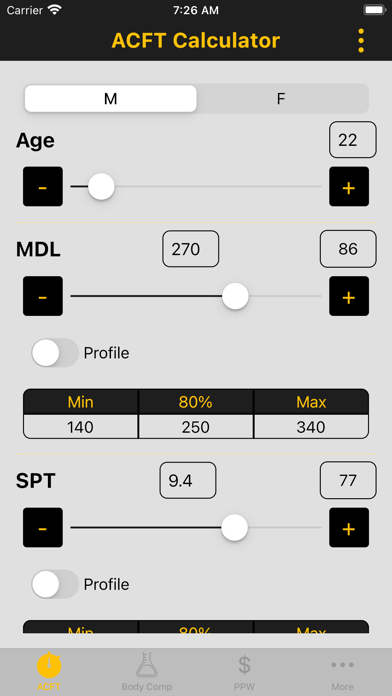
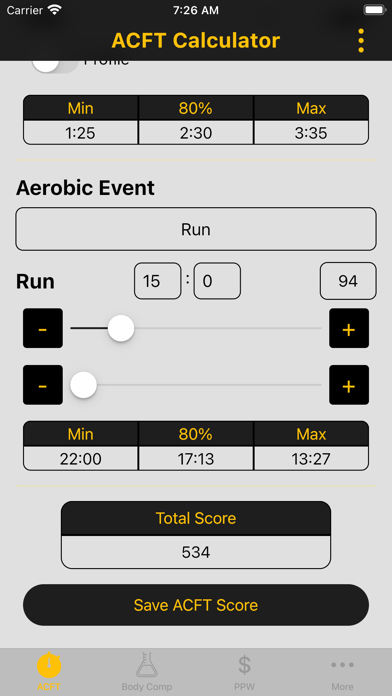
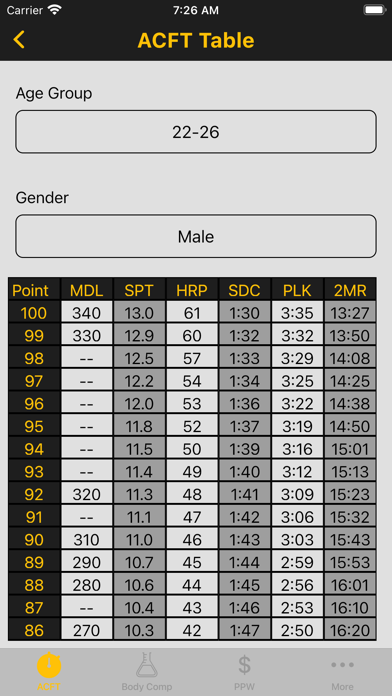
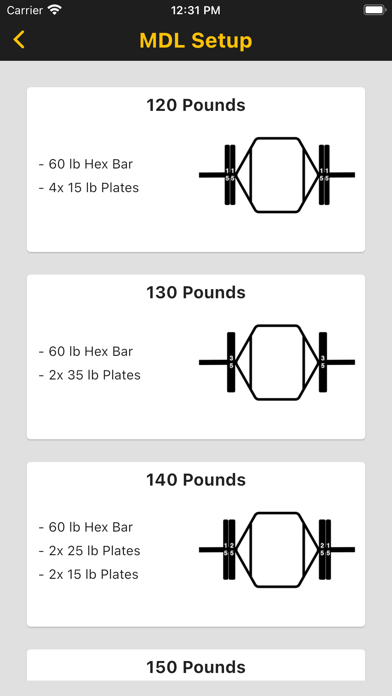
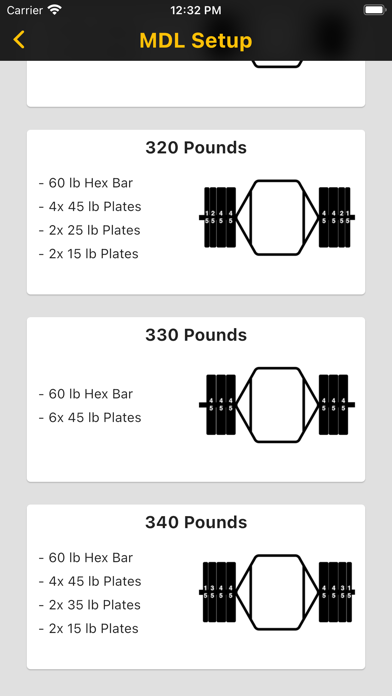
Calculate AFT scores using sliders, buttons, or manual input. Determine required raw values for minimum, maximum, or 80% scores based on gender and age. Generate full scores tables by age and gender. Set weights for Maximum Dead Lift.
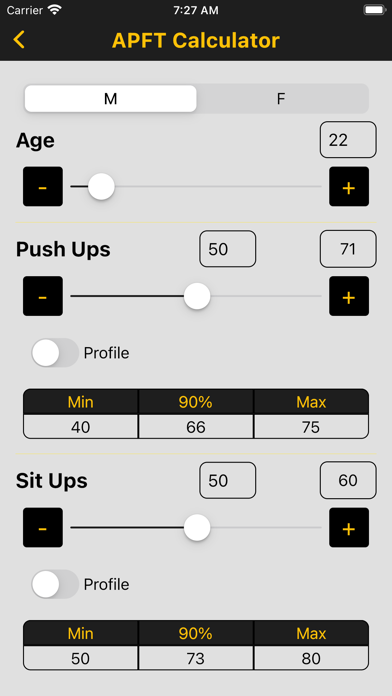
Army Fitness Calculator allows you to input your AFT scores with a slider bar, increment/decrement buttons, or by typing in your raw values to calculate your event and overall score. The app will also let you know the raw values you need to get the minimum, maximum, or 80% score based off your gender and age group, produce a full scores table based off your age and gender and help set up the weights for the Maximum Dead Lift.
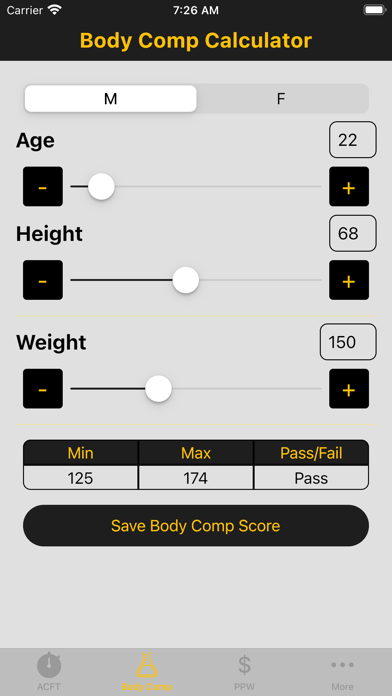
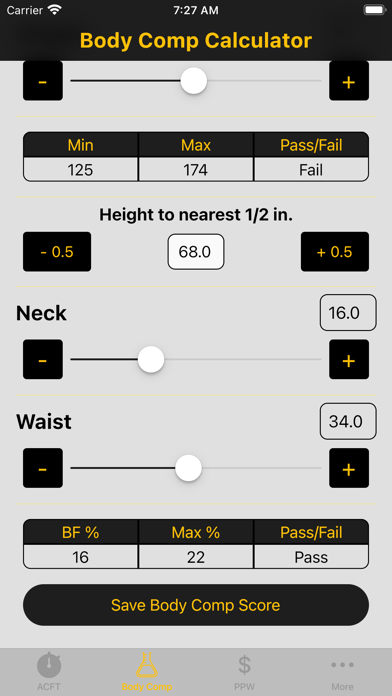
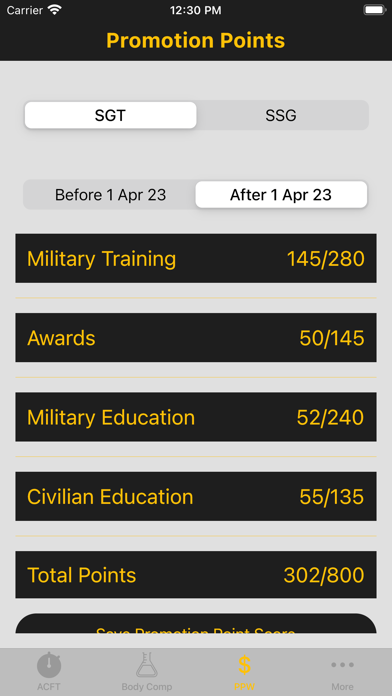
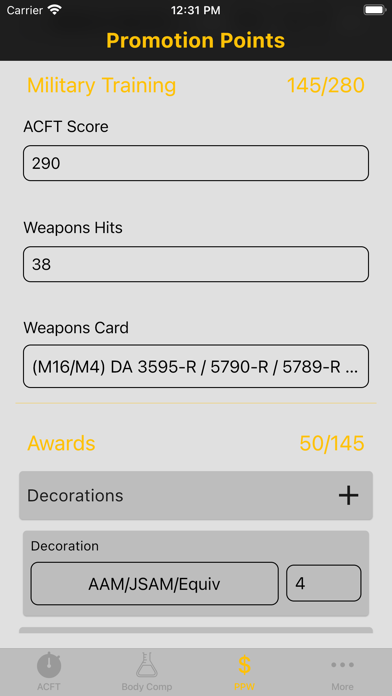
In addition to calculating the AFT, the calculator also has a section to calculate Ht/Wt and body fat %, Semi-Centralized Promotion Points, ACFT, and APFT.
Along with the calculators, the Army Fitness Calculator has the doctrinal verbiage for the event instructions; a link to the Army's AFT page for more information on the implementation, videos, and resources; and a settings page to set the variables that aren't going to change every time you open the app (i.e. age, gender, aerobic event, etc.).