
Power Pong Robot
Connect to , run drills, track progress
Attila Malek
iPhone Screenshots




Description
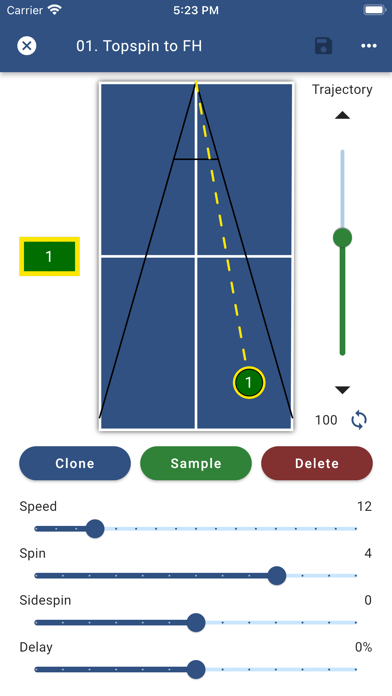
Control and customize drills via wireless connection. Save and manage custom drills with up to 8 unique balls. Access a variety of preset drills for different skill levels. Adjust speed, spin, and placement settings during drills.
This app is the perfect companion to your Power Pong robot. Connect wirelessly to your robot and run drills from your phone.
We have designed our app with many types of users in mind - from those that are learning the fundamentals to those who compete in high-level tournaments.
Feature Overview:
• Create and save drills to run wirelessly on your Power Pong robot
• Drills can hold up to 8 unique balls
• Loaded with a rich variety of preset drills for you to get started
• Speed, spin, and placement of each ball can be individually adjusted
• For ease of use, trajectory is automatically calculated for every ball, but can also be manually adjusted
• Search and sort your drills using customizable tags
• Randomize drills for irregular play or mirror drills for opposite handed players
• Run drills at up to 120 balls per minute for a set duration or indefinitely
• Simulate match situations by grouping drills together and playing them in a specific sequence
• Feeling tired? Add a timed break before the drill automatically restarts
• Share of drills between friends and coaches
If you run into any issues using the application or have any feedback that you want to share, please send an email to [email protected]