
iPhone Screenshots



Description
The recipe says 500W, but your microwave is set to 600W.
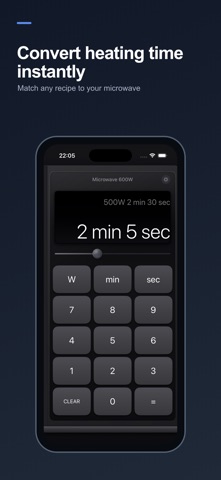
MicroCalc quickly converts the recommended heating time to match your microwave—no manual calculations required.
Simply enter the wattage and heating time shown in the recipe. MicroCalc calculates the corresponding time for your microwave, rounded up to the nearest second.
KEY FEATURES
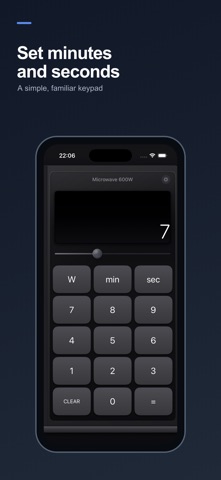
• Quickly enter the recipe wattage and heating time
• Convert heating time for your microwave
• View the original conditions alongside the result
• Automatically recalculate when your microwave wattage changes
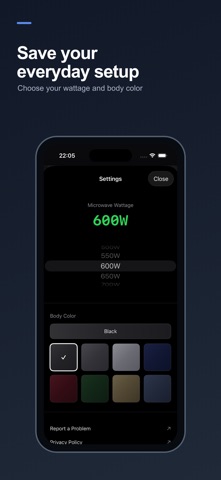
• Select from 100W to 1500W in 50W increments
• Save your usual microwave wattage
• Choose from eight microwave body colors
• Available in English and Japanese
• Designed for both iPhone and iPad
The large, familiar keypad and microwave-inspired interface make MicroCalc easy to use while cooking or preparing frozen food.
There are no ads or in-app purchases. An internet connection is not required for calculations.
IMPORTANT
The displayed time is an estimate based on wattage conversion. Actual heating results may vary depending on the food, quantity, container, and microwave. Always check the food and adjust the heating time when necessary.