
iPhone Screenshots
Description
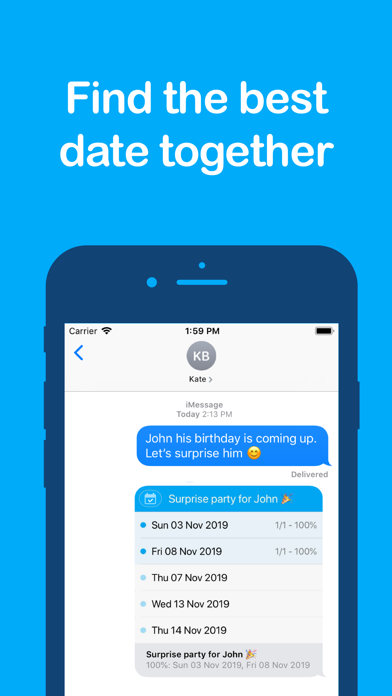
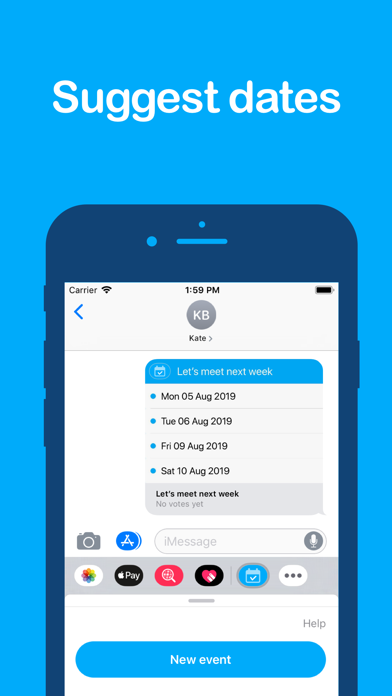
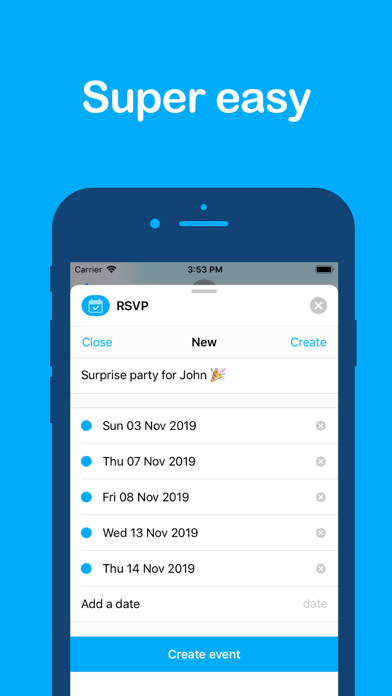
With this app you can easily find the best date for an upcoming event. Just suggest a number of dates and let the group decide. Perfect for your next party, barbecue, board game night, play date, ...
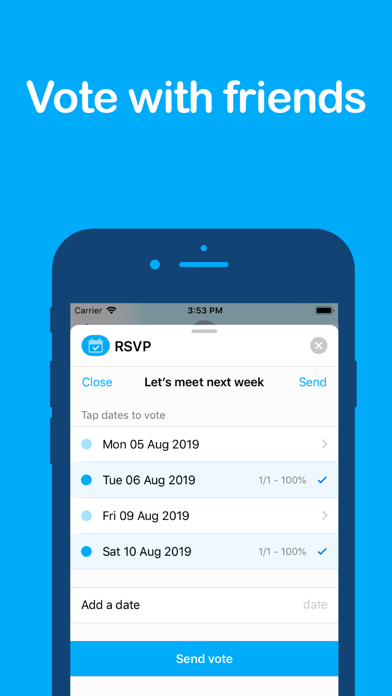
Integrated in iMessage, so it's as easy as sending a normal message. Friends in the iMessage group can easily vote on the dates they are available. Setting a date has never been this easy.
-----------------------
HOW TO USE THE APP
To use the app, open an iMessage conversation and tap the App Store icon to show all iMessage apps. Tap the RSVP icon to get started.
------------
DELETE APP
RSVP is an iMessage app, so you must use iMessage to uninstall the app. Instructions can be found here: www.bit.do/del-app
The instructions:
1. Open a conversation in iMessage
2. Tap the App Store icon to open the apps list
3. Swipe right to the end and press the "..." button
4. Find the app you want to delete
5. Swipe left on the app row and tap delete