
iPhone Screenshots



Description
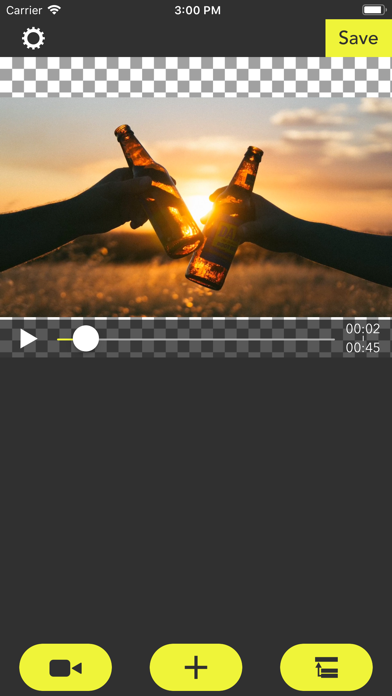
SkipMov is for extracting parts from a video.
How to use...
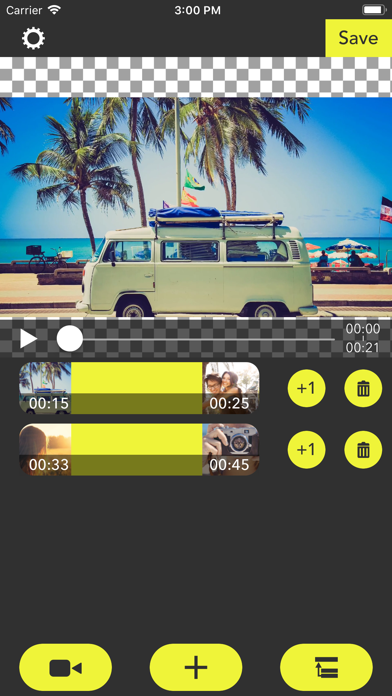
1 Press the video icon button to load a video from your camera roll.
2 [+] button is for adding time range of the video.
The time range that you added is can copy by [+1] button and can also delete by [trashbox] button.
3 If you want to reorder time ranges, press the right-bottom button. Then drag a time range cell to right position you want.
4 Finally, press the [Save] button to export time ranges as a single video.
To export it, at least one or more time ranges must be added.
App information from Apple App Store. SkipMov - Pick Best Moments and related trademarks belong to REAFO CO., LTD..