
next.calc: a modern calculator
Calculate, theme, and track numbers
Josh Angelsberg
iPhone Screenshots

Description
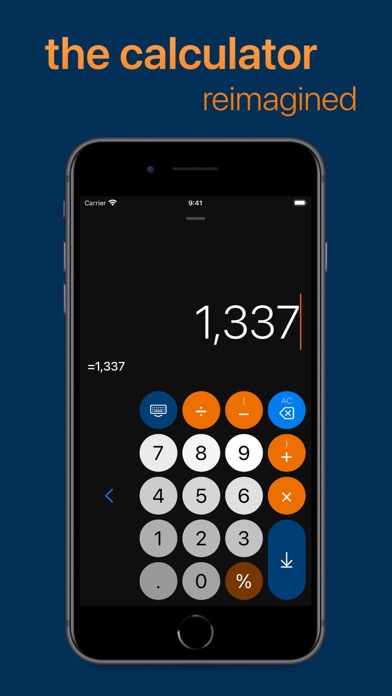
Calculate mathematical expressions with infix notation, view full equations as they are typed. Customize themes to match personal style. Access via lock screen widgets. Use one-handed keyboard for larger devices.
next.calc is a beautiful and intuitive calculator, reimagined for the modern era, with many useful features:
Completely Free
- No cost, no ads, no tracking!
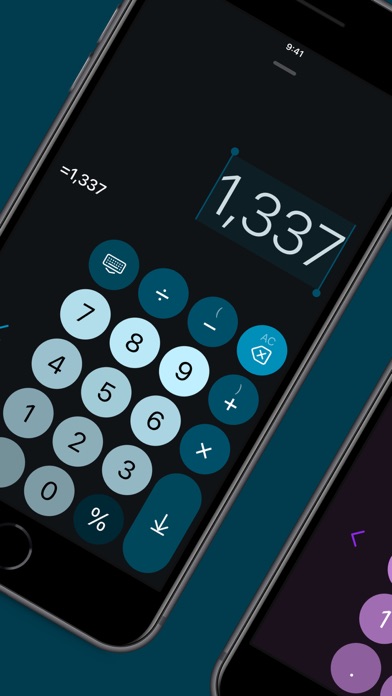
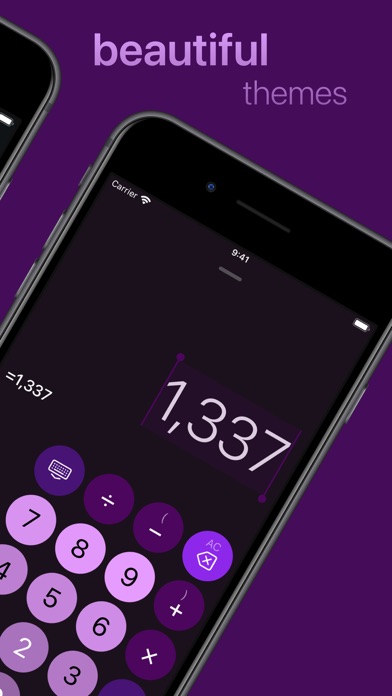
Themes
- Personalize to match your style
Lock Screen Widgets
- Quickly access from the lock screen
One-Handed Keyboard
- Effortlessly use on larger phones and tablets
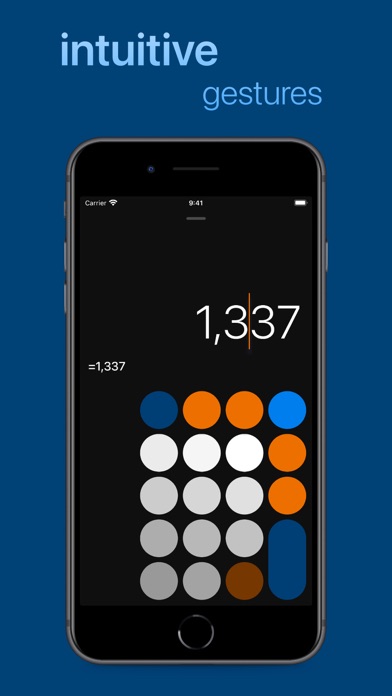
A Cursor
- Allows for easy typing and editing, just like typing in Messages or Notes
Infix Calculations
- See the full expression, in context, as you type
Multi-Lined Expressions
- Making long expressions a pleasure to edit
Syntax Highlighting
- Makes expressions easier to digest
Real-Time Answers
- See the answer as you type
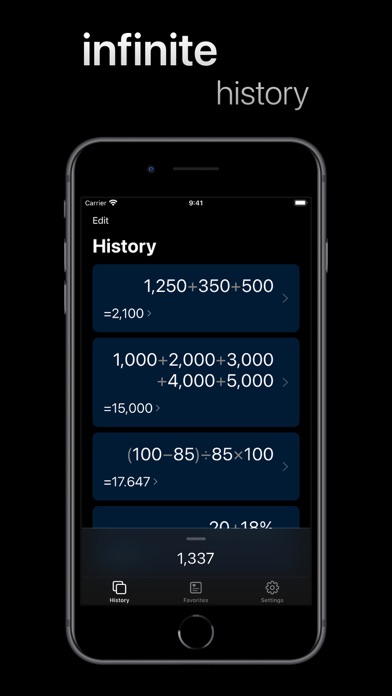
Infinite History
- Easily jump back to a previous expression or answer
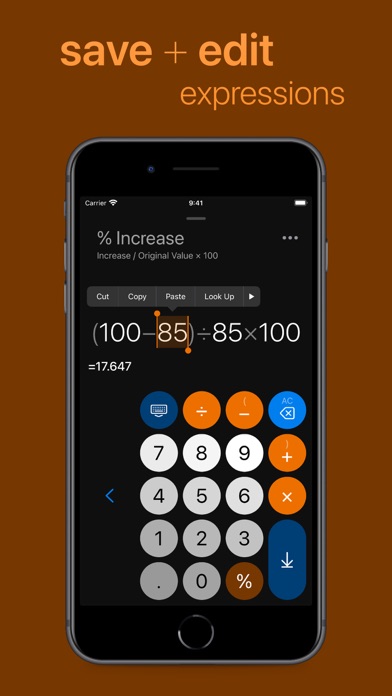
Favorite Expressions with Notes
- Great for storing budgets, calculating tips, formulas, etc.
Intuitive Cursor Gestures
- Swipe left and right on the keyboard to quickly move the cursor
Intuitive Keyboard Gestures
- Swipe down (or long press) on keys with secondary values
Keyboard and Trackpad Support
- Works great with the Magic Keyboard
iPad Support & Multitasking
- Supports Split View and Slide Over
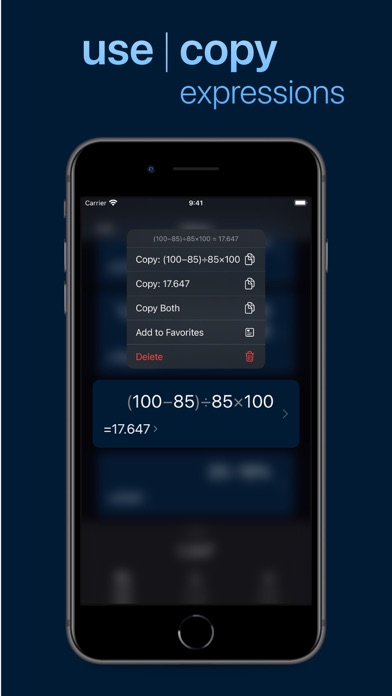
Copy, Cut, and Paste
- Double tap on numbers to quickly select and edit them
Beautiful Handmade Animations and Icons
- Makes the app a delight and a pleasure to use
And more!