
iPhone Screenshots

Description
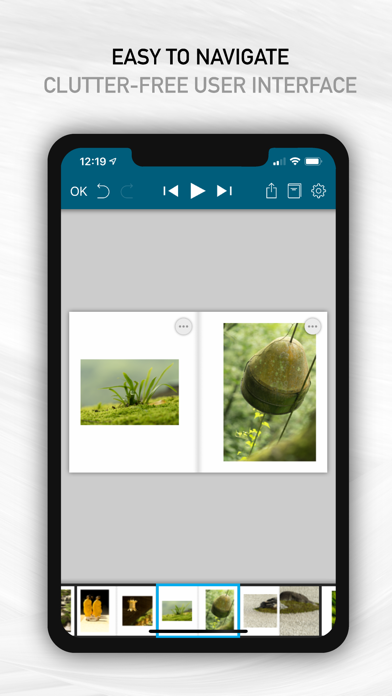
Contrary to full-fledged desktop publishing software, SlideBook is simple enough for anyone to use, and yet has all it takes to create professional-looking books. Just import your photos, layout the pages with intuitive gestures, add some text, create a cover page, and you're done!
With SlideBook, you can :
- insert, delete or modify pages
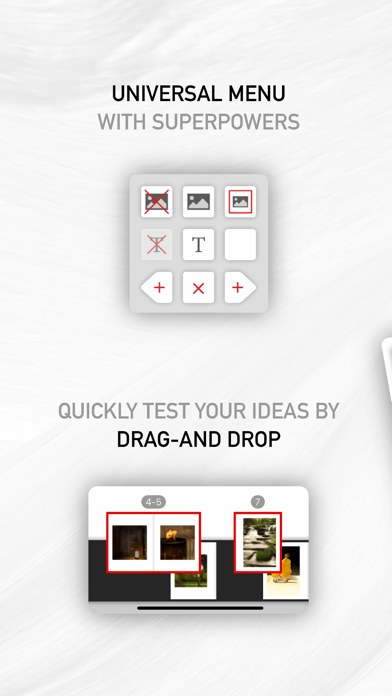
- easily test visual associations by moving around individual pages or spreads
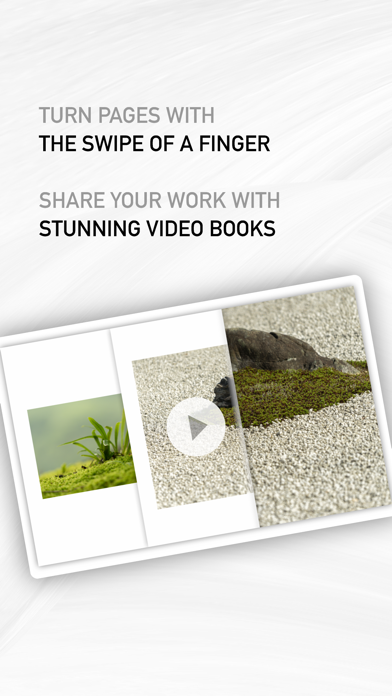
- browse your book with a smooth visual experience as close as possible to browsing a real book
- create stunning video books with an optional sound track to share your work with friends or on social media
- export your book content and cover pages as PDF documents
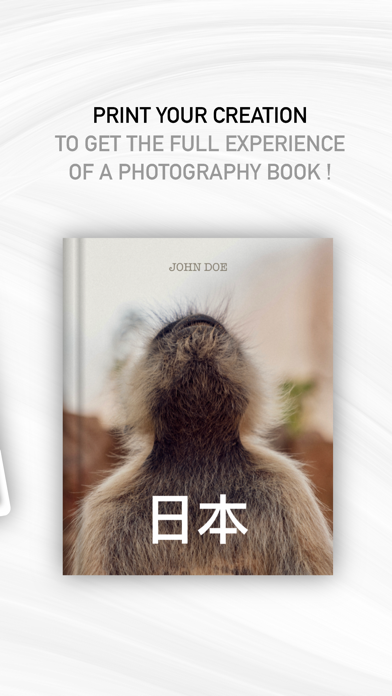
- print your book on Blurb®
In addition, SlideBook supports the following advanced features :
- auto-saving
- synchronize your books via iCloud
- infinite number or undos and redos
- multiple text items on each page, including rotated text
- page footers with page number support
- powerful layout styles for photos
- visual guides for centering and alignment
- support for double page photos
- keyboard shortcuts on iPad (long-press on the command key for help)
- a hard-cover editor with PDF or photo backgrounds
- export of spread snapshots (great for gallery thumbnails)
- import of PDF books created by desktop publishing software such as Scribus or Adobe® InDesign®
- support of copyright information and other meta-data in all exported media