
iPhone Screenshots

Description
How to play:
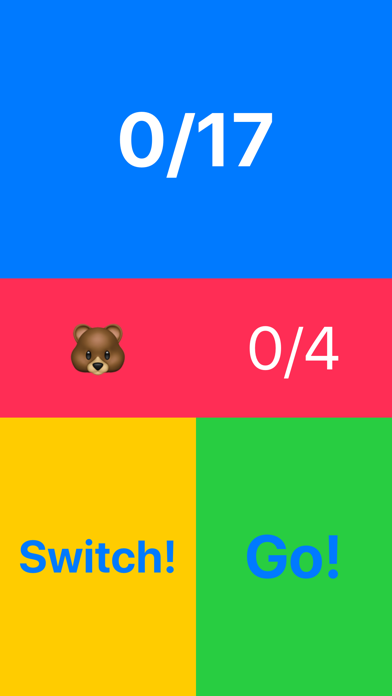
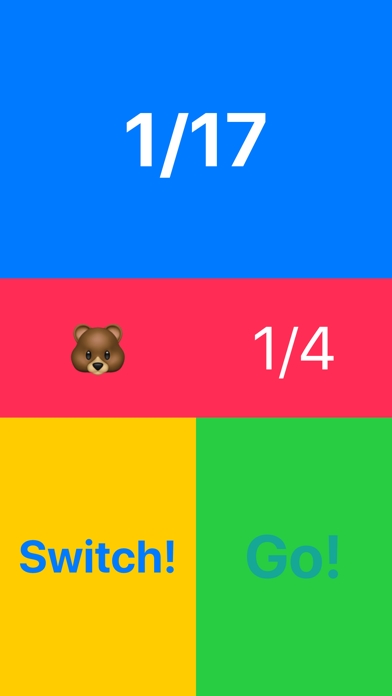
Blue area is the "Main Counter"
Red area is the "Current Player" and "Current Counter"
Yellow and Green area are used to move and pass the game to the next player.
Rules:
Everytime you click green button, the Current Counter and Main Counter goes up one step. Each turn, you must click between 1 and the number in the red area.
After you finish your turn, click the yellow button to pass the phone to your opponent.
The player who hits the final score in the Main Counter loses.
Enjoy!