
iPhone Screenshots


Description
Manage your files the way you always do, using two panels and your keyboard (and sometimes your mouse). Introducing MaxCommander.
MaxCommander is all you need to manage files on your local drives and remote file servers. The app supports the following operations:
* Browsing folders
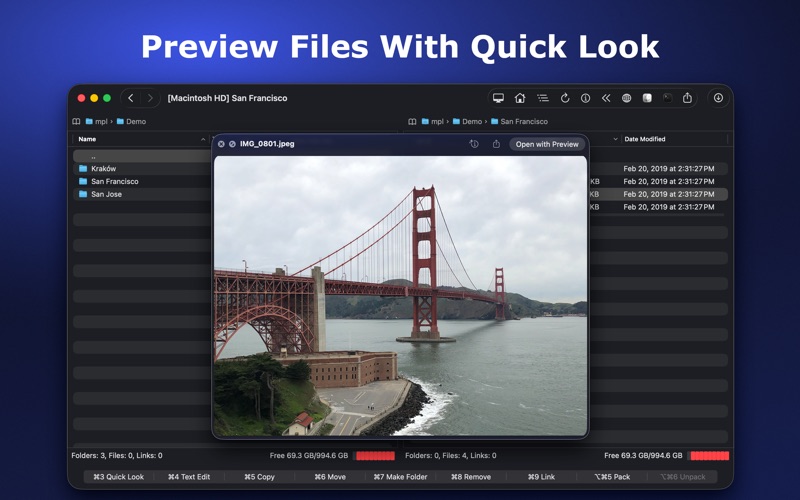
* Previewing files with QuickLook
* Editing files
* Copying, moving, deleting, renaming files and folders
* Creating folders
* Creating links
* Packing and unpacking archives
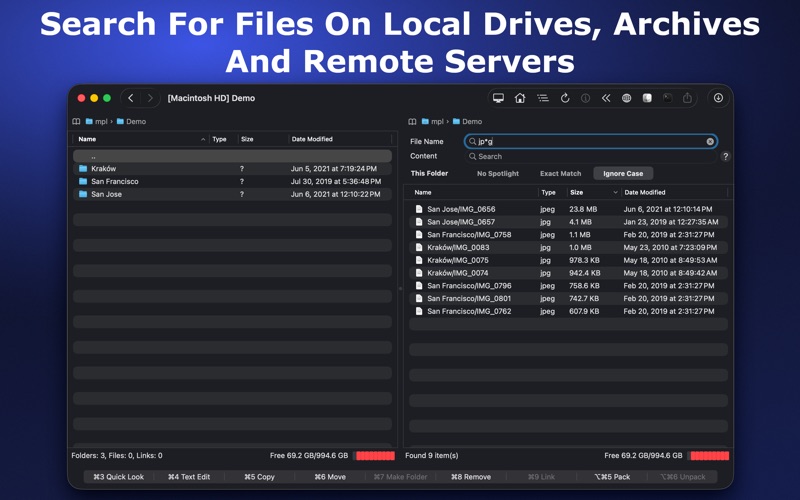
* Searching for files
You can browse and manage the contents of the archive as if it were a folder on your local disk.
You can browse, create, modify, and unpack archives of these types:
* zip
* 7z
* tar
* wim
You can browse, create, and unpack these archive types:
* tar.gz, tar.Z, tar.bz2, tar.xz, tgz, taz, tbz2, txz
* gz, bz2, xz, Z
* xar, iso
These archives are supported for browsing and unpacking:
* rar, arj, lha, lzh, cpio, rpm, cab, z, lzma, adz, udf, jar
* vdi, vmdk, vhd, msi, hfs, fat, sfs, wim, chm
Encrypted 7z, zip, and rar archives are also supported.
If you have an archive file created on an operating system that does not use Unicode you can open it in MaxCommander and select the right characters encoding for file names (available for arj, lha/lzh, zip, rar, and tar archives).
MaxCommander can connect to file servers and you can manage remote files and folders on such servers. The following servers are supported:
* FTP
* FTPS - implicit FTP over SSL/TLS
* FTPES - explicit FTP over SSL/TLS
* SFTP
* SMB
* WebDAV
For older FTP, FTPS, FTPES, and SFTP servers that do not support UTF8 you can select character encoding to use.
You can connect to supported cloud drives and manage remote files and folders:
* Dropbox
* OneDrive