
iPhone Screenshots



Description
Control Mesh++ networks and nodes remotely via Bluetooth. Monitor network status, capacity, and user count. Manage nodes by moving them between networks and viewing their status. Create new networks by specifying location, SSIDs, and channel.
Use this app to control Mesh++ networks and nodes from anywhere in the world, operate them via Bluetooth, and more.
The status page for an individual network will show the online/offline status, current capacity, number of users, and more. On a network's "nodes" tab, you can move nodes between networks and view their status.
To create a network:
1. Go to the "Create" tab and click "Network"
2. Fill in the location, SSIDs, channel, etc. and click "Create"
3. Your new network will now be accessible on the "Dashboard" home page!
Getting started with a new node:
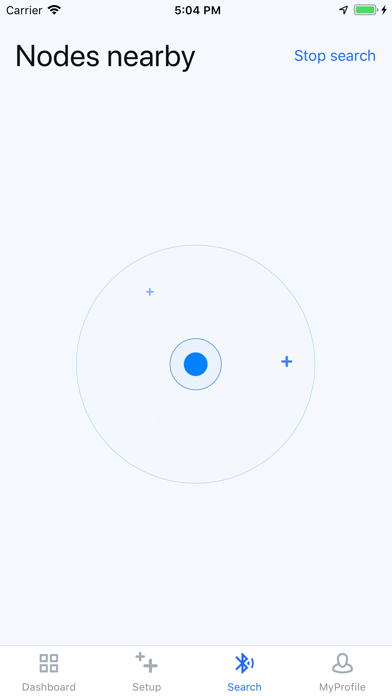
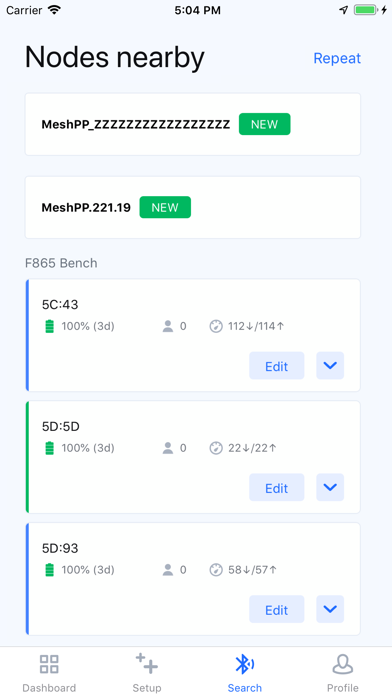
1. Go to the "BLE Search" tab with the bottom of the device near.
2. Click on node to connect to it.
3. Turn the node on via the slider in the top right. The bottom LEDs should begin to flash.
4. A button to "set up node" will allow you to add it to a network and configure it.