
ZipRar7 - Unzip the file
Unlock archives and compress files
kim juyoung
iPhone Screenshots
Description
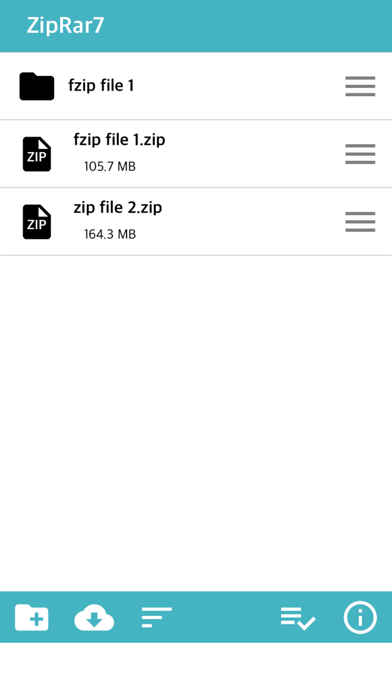
Extract and manage Zip, Rar, and 7z files. Unlock archives and compress files into Zip format. Support FTP, WebDav, and SMB protocols for transfer. Access files from cloud services like OneDrive and Dropbox.
Simply unzip the archive.
Zip, Rar, 7z files can be unlocked
Support file compression (Zip)
* New features (2020.5 ~) *
1. FTP, WebDav, SMB download / upload support (+ iOS13)
2. OneDrive, DropBox direct login and download / upload support (+ iOS13)
3. External documents: You can browse and import files stored in other apps.
* Insert file (iPhone / iPad) *
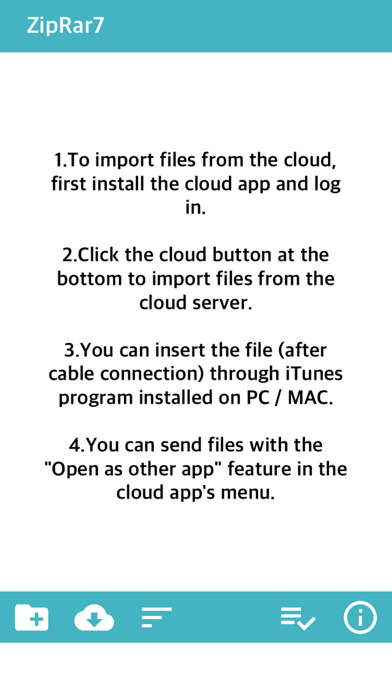
1. Install the cloud app and log in to import files from the cloud service. (iCloud, Google Drive, One Drive, Mega, Box, Dropbox)
2. Upload files through iTunes installed on PC (Finder for Mac)
3. Connect PC and iPhone to the same WIFI and upload via web browser
4. Import or take photos and videos from photos and save them as files
5. Save the copied text to the clipboard as a txt file
* Send file (PC / other apps) *
1. After connecting the iPhone to the PC by cable, you can import the folder through the installed iTunes. (Alternatively, only files)
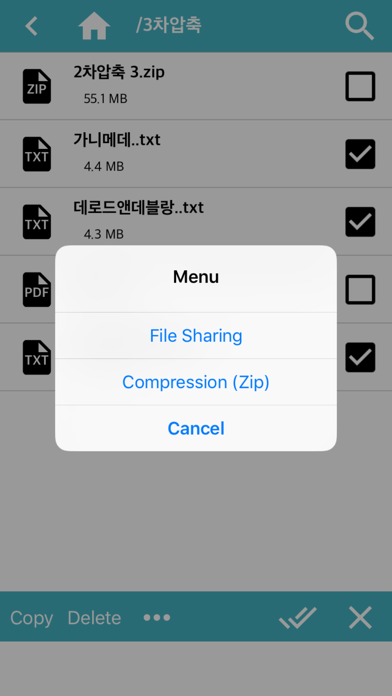
2. Transfer files to another app through file sharing
3. Connect PC and iPhone to the same WIFI and download through web browser
* Compression *
1. Folder compression: Click the menu button on the right side of the folder-click the “Zip” item
2. File Compression: After selecting multiple files, click the “Compress” button at the bottom.
* Additional Features *
1. App lock function (Password must be set on the device)
2. Some documents / videos / audio files can be opened simply.
3. If the iPhone's capacity is insufficient, the “Erase All Files” function is supported in Settings.
4. When decompressing, some file names may not be displayed properly due to language encoding problems.