
iPhone Screenshots

Description
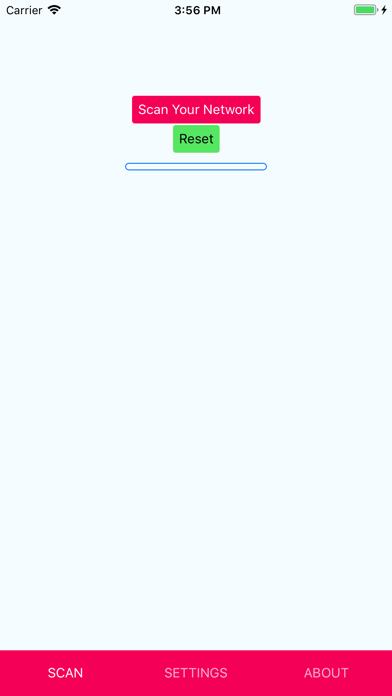
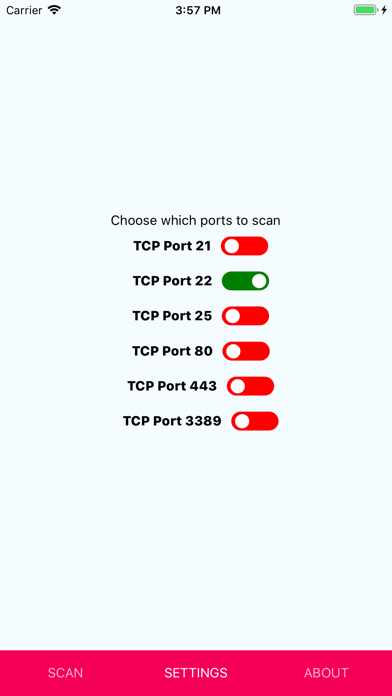
Local network devices via wireless connection. Identify active devices on common TCP ports: 21, 22, 25, 80, 443, 3389. Display results in scrollable list. Show network mask and potential devices.
The TCP port scanner by www.shift8web.ca will scan your local network if you are attached to a Wireless network connection. The scanner will determine the network mask (all the potential devices that could be on your network) and will methodically scan for active devices that are listening on the most common TCP ports : 21 (ftp), 22 (ssh), 25 (mail), 80 (http), 443 (https) and 3389 (Remote desktop).
It will display the found devices in an easy to scroll list for your reference. A very quick way to audit your local area network for rogue devices.