LazyBoard: Phrase Keyboard
Save texts with one tap away
Elsayed Hussein
iPhone Screenshots
Description
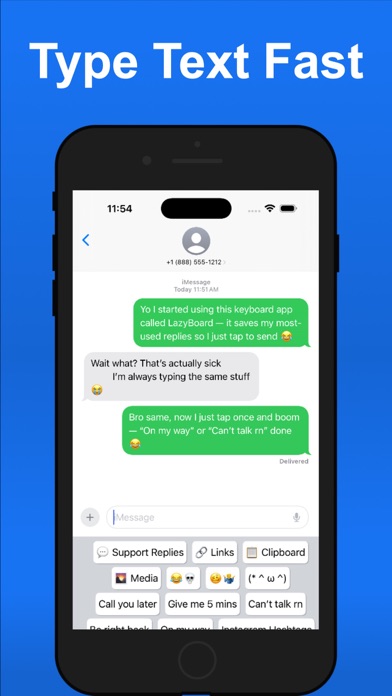
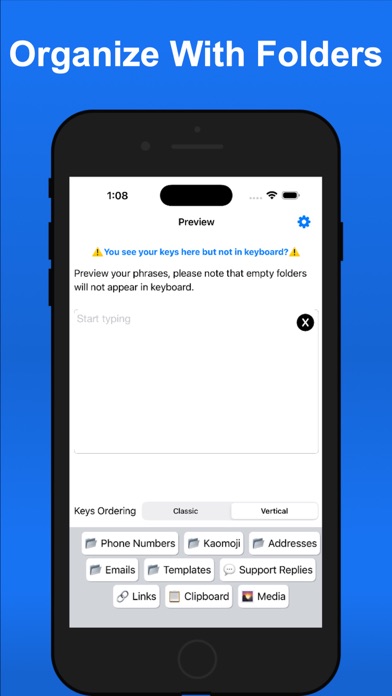
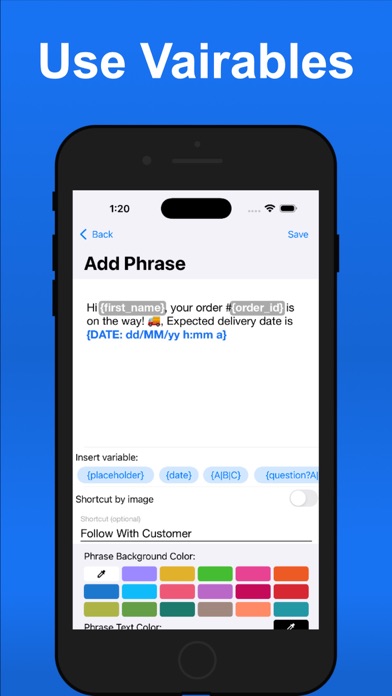
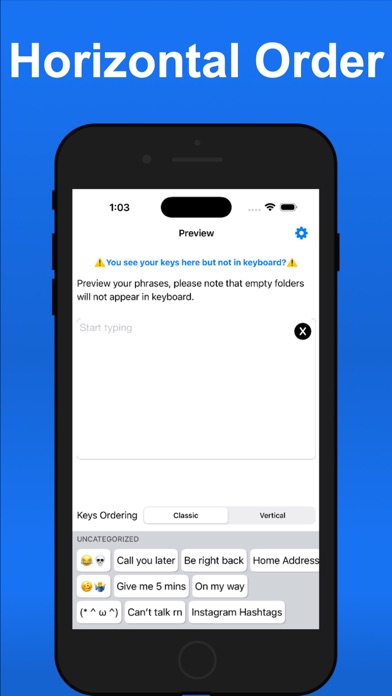
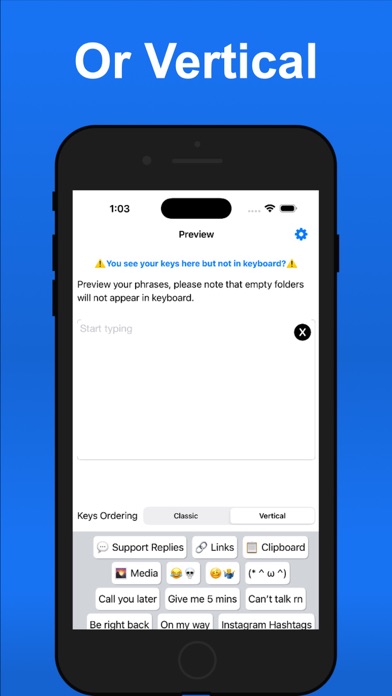
Save and organize frequently used texts, emails, and phone numbers with one-tap access. Customize templates with dynamic variables. Sync phrases across iOS devices using iCloud. Store and manage copied text snippets.
Tired of typing the same things over and over? LazyBoard is your shortcut keyboard for saving email templates, canned replies, forms, addresses, phone numbers, emojis, and more — all just one tap away.
Top Features:
• Dynamic Variables: Customize texts easily with placeholders like {customer}.
• iCloud Sync: Keep your phrases updated across all your iOS devices.
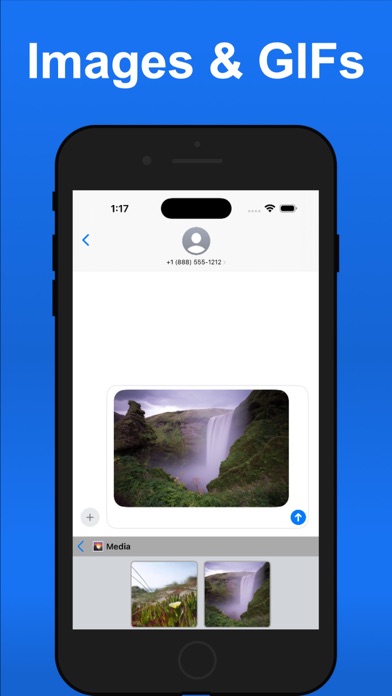
• Media Folder: Save photos and GIFs to use in chats or emails.
• Clipboard Management: Save, organize, and insert copied texts effortlessly.
• iMessage Extension: Use your saved photos and GIFs directly in iMessage.
• Fast Search: Quickly find and insert any saved phrase.
• First Line as Email Subject: Create emails faster with built-in support for the Mail app.
• Privacy First: No need for “Full Access” — your data stays private.
Customize your mobile typing experience and get things done faster with LazyBoard.
We would love to hear your feedback. Contact us at [email protected].
Subscription Terms:
• Payment will be charged to your iTunes account upon confirmation of purchase.
• Subscription automatically renews unless canceled at least 24 hours before the end of the current period.
• Manage your subscription anytime in your Account Settings.
More Information:
Terms of Use - https://www.lazyboard.app/terms-and-conditions
Privacy Policy - https://www.lazyboard.app/privacy-policy
Payment Policy - https://www.lazyboard.app/payment-policy