
iPhone Screenshots
Description
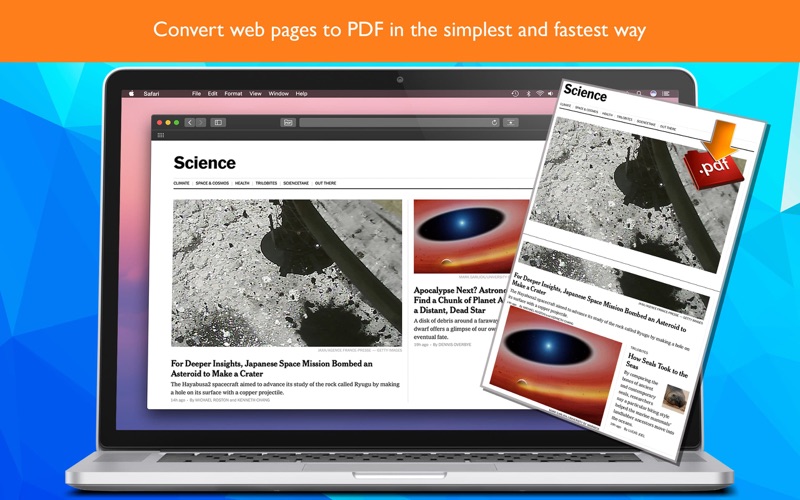
Turn any web page into a PDF with one click.
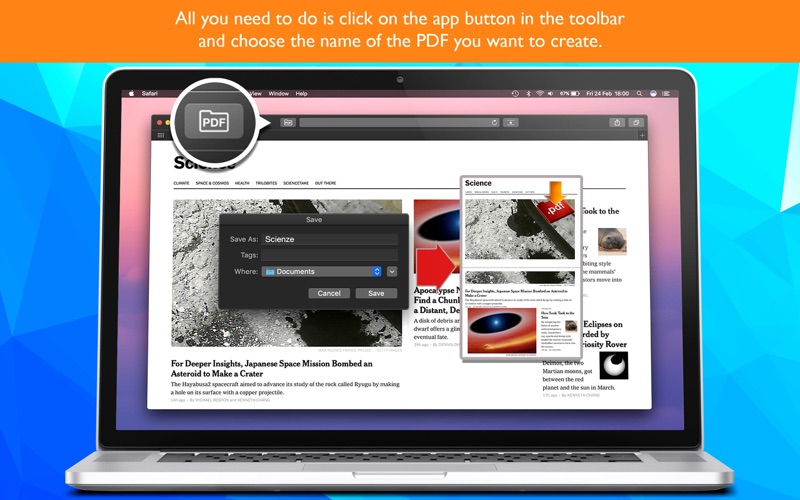
PDF Save for Safari adds a button to your Safari toolbar: click it, choose a name, and the page is saved as a PDF. Done.
WHY YOU'LL LOVE IT
• One click: no menus, no print dialogs
• Complete pages: the smart engine scrolls the page for you and waits for every image, even the ones that normally appear only while scrolling
• Clean result: cookie and privacy pop-ups are left out of your PDF
• Your file, your name: the page title is suggested automatically, and you can change it before saving
• Clear progress: see each step while your PDF is being created
• Localized in 16 languages
• No ads, no tracking
HOW TO ENABLE IT
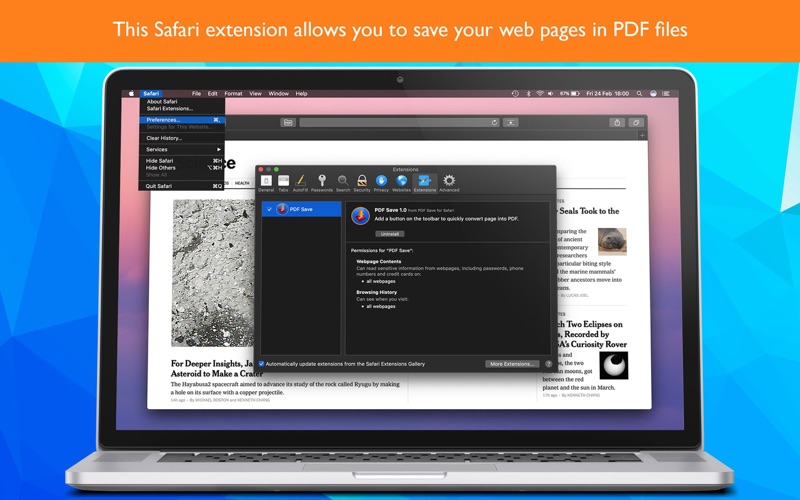
1. Open the app and click "Open Safari Settings"
2. Tick the checkbox next to "PDF Save for Safari"
3. In Safari's toolbar, click the PDF icon and press "Create PDF"