
iPhone Screenshots




Description
MeetFutureClock, Will allow user to check the future Date and Future Time. All you need to do is
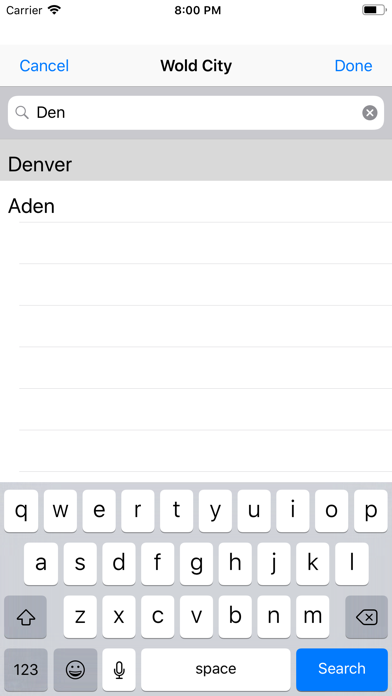
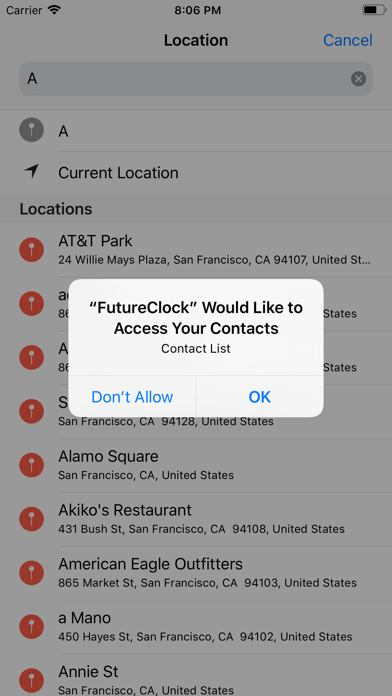
1. Add cities into you list
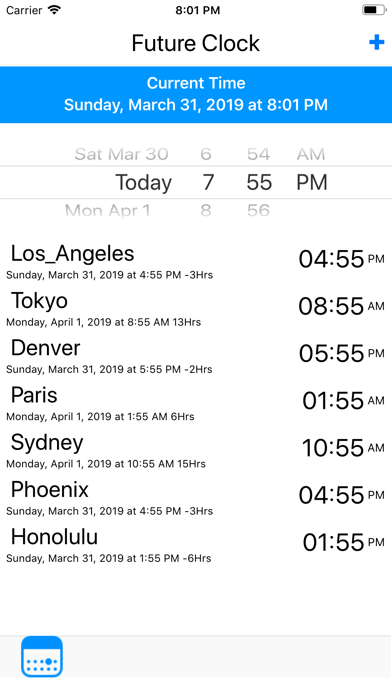
2. Choose future date or passed date
3. Choose the time, hours and minutes
4. The App will update immediately the date and time for each city in your list
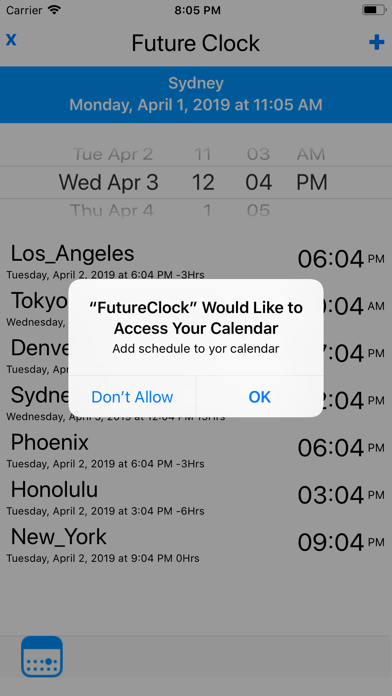
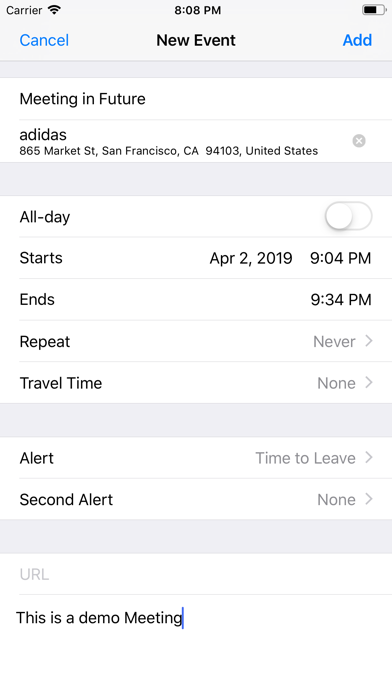
5. Press calendar button and add an event to your calendar
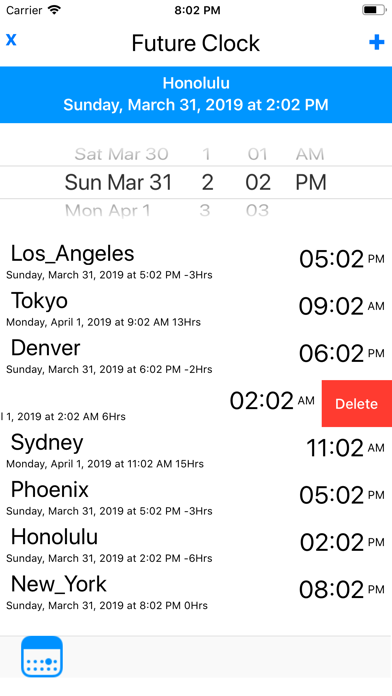
You can change current location time, keeping press any city form main menu
Note: The Event you use the apple event and benefit to add places or user for your futures meeting considering world clock time
Limitations: The app only has an standard list of cities form App, they are around 484, but as new cities be available in the API, they will update in automatic
The app also is concreting the Daily or Standard time