
Affiliated Foods Food Show
Create orders, scan items, modify quantities
SR Data Systems Inc.
iPhone Screenshots
Description
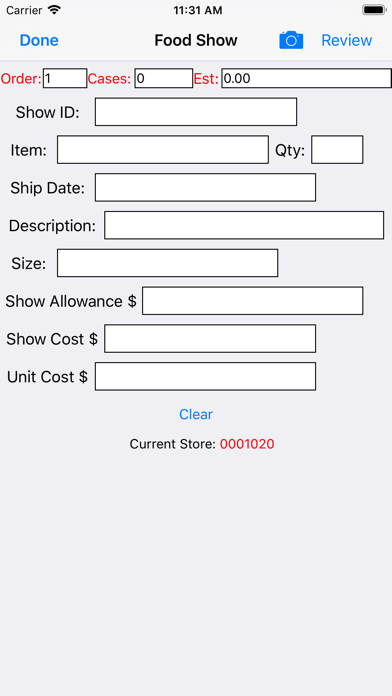
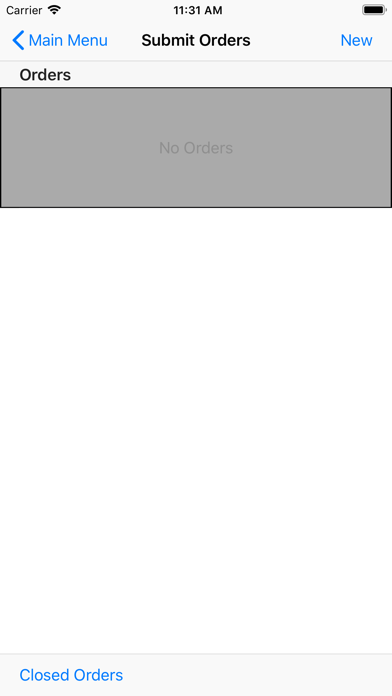
Create orders by signing in with an authorized account. Add items through manual entry or barcode scanning. Adjust quantities, review order details, and submit for processing.
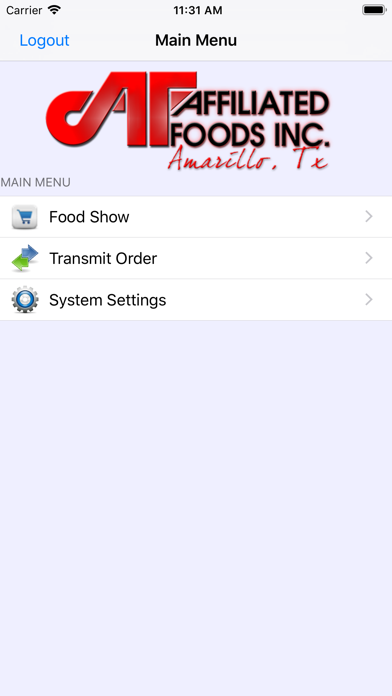
The Affiliated Foods Food Show app is a new tool for creating orders during a Food Show. - Sign in with your authorized account and create a new order or order(s) for your authorized stores. - Enter items or scan barcodes using your phone camera to add items to your order. - Modify quantities, review, and submit!