
iPhone Screenshots
iPad Screenshots


Description
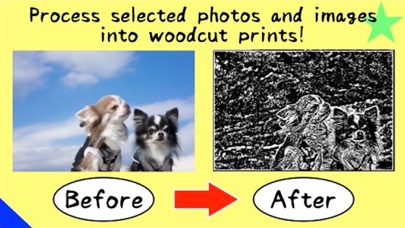
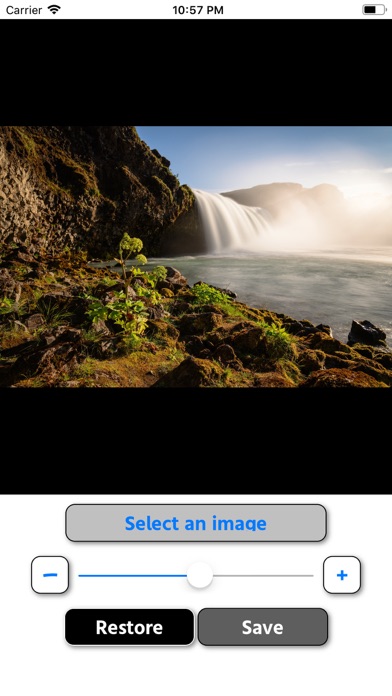
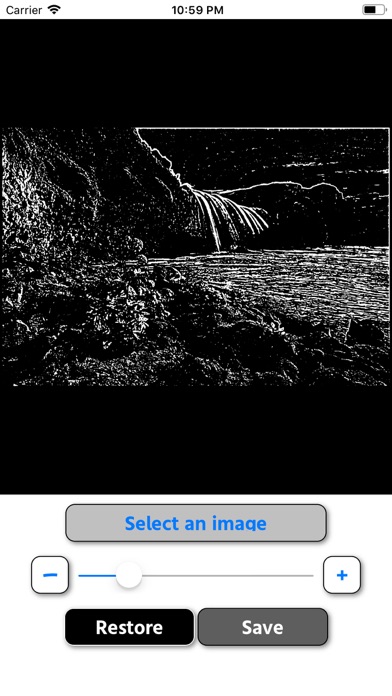
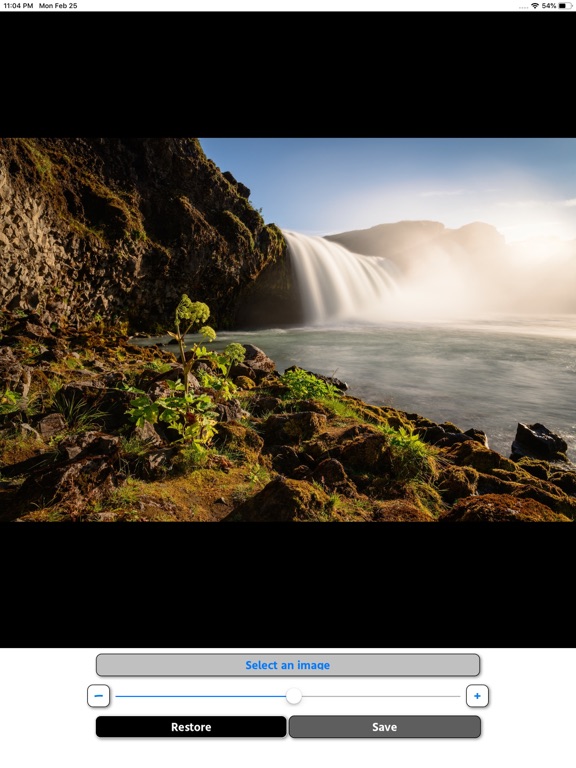
- Just select the image you want to process from the album and adjust with the slider!
- Tap the "-" and "+" buttons on the left and right of the slider to make fine adjustments.
- The processed image is saved in "WB_DATA" in the album.
Please contact the review section or DM here.
https://twitter.com/corasck
App information from Apple App Store. Change photo/image to woodcut! and related trademarks belong to Kazuya Fujita.