
iPhone Screenshots
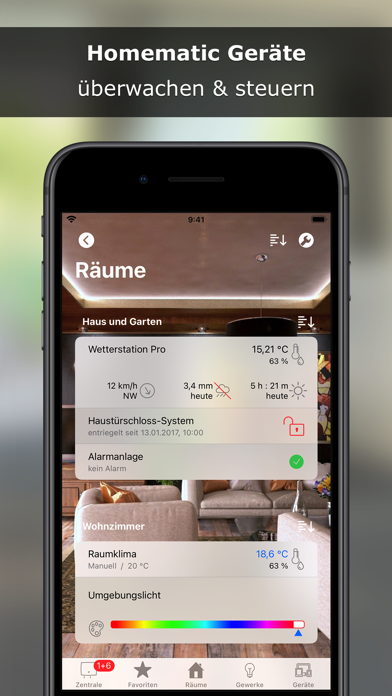


Description
With @Home you have control of the central functions of home automation system Homematic (eQ-3 AG). A lean and simple kept app for the essentials!
Features
• Monitor and control Homematic devices
• Display and analyse CCU diagrams
• Receive and confirm alarm and service messages
• Run, activate and deactivate CCU programs
• Check and change system variables
• Check system log
iOS Integration
• Widget
• CCU Push Notifications
• Siri Shortcuts
• Geofencing
Adapt @Home to your own ideas
• Background images, transparency and blur effects
• Rename, sort and hide elements
• Adjust the size of titles and column widths
• Export, distribute and import settings, e.g. via iCloud Drive
• Lock settings to protect against unauthorised changes, e.g. by family members
• Access protection through password query, Touch ID or Face ID
Access to Homematic CCU via
• internal URL via WiFi or IPSec VPN
• external URL (e.g. Dynamic DNS, Port Forwarding to Reverse Proxy)
• CloudMatic Connect
System requirements:
• Homematic CCU from eQ-3
• Compatible clones running WebUI, e.g. OpenCCU (RaspberryMatic)
• CCU and devices must already be configured. A configuration with @Home is not possible!
@Home is still evolving!
Suggestions are welcome!
Contact me!