
iPhone Screenshots
Description
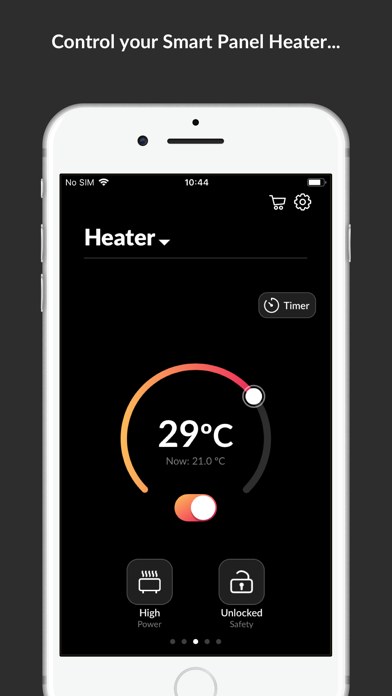
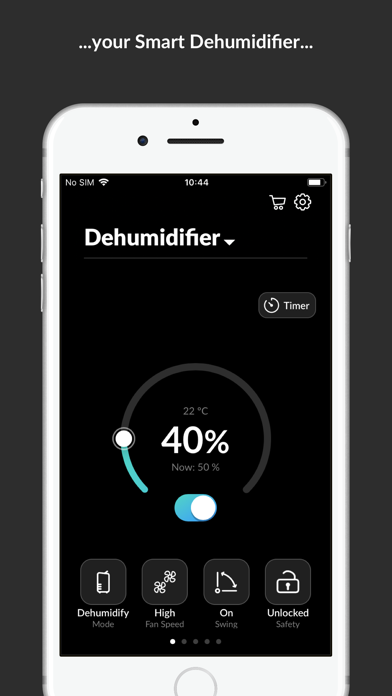
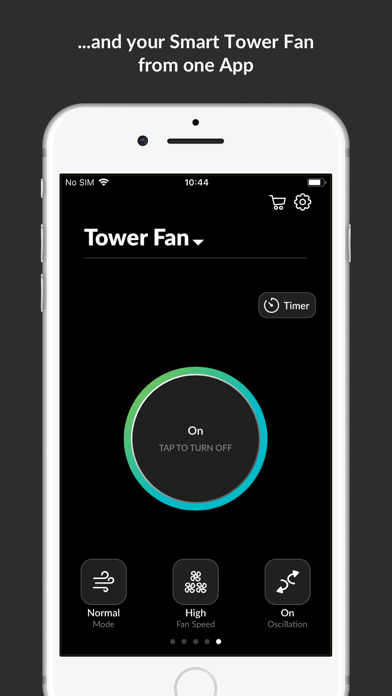
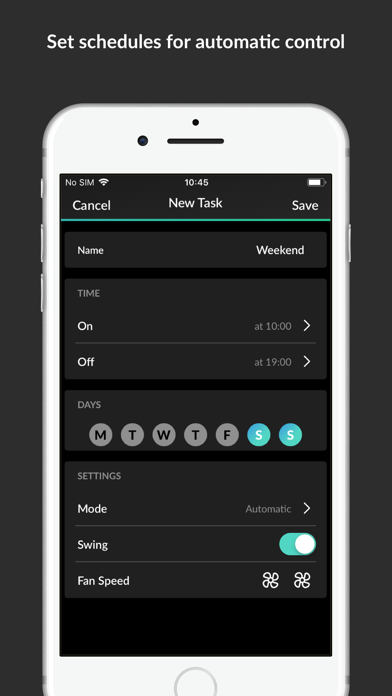
Control devices like smart tower fan, smart glass panel heater, and smart dehumidifier via smartphone. Schedule devices to turn off during sleep. Turn off devices remotely with a single tap. Add new devices to the system.
Use HomeWizard Climate to control your climate devices with your smartphone.
With HomeWizard Climate you can control your Smart Tower Fan, Smart Glass Panel Heater and Smart Dehumidifier with your smartphone.
Schedule the devices to turn off during your sleep. If you forget to turn them off when you leave home, no problem, use your app and turn them off with just a single tap on the screen.
• Add new climate devices
• Switch on and off the smart tower fan, smart glass panel heater or smart dehumidifier
• Control all the features of your Climate devices
• Choose your favourite mode on all 3 devices
• Set a timer and create schedules
• Add multiple products in the same App
This App requires a Smart Tower Fan, Smart Glass Panel Heater or Smart Dehumidifier from Princess.