
ClearNode
Configure nodes, set up credentials, connect devices
Gerry Filby
iPhone Screenshots



Description
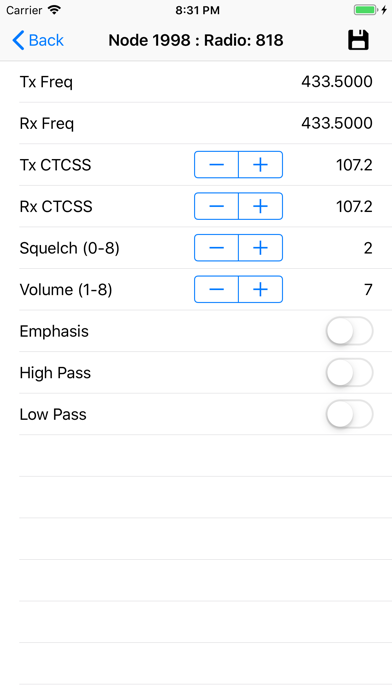
Configure device settings for AllStar, Echolink, and DMR. Manage node connections and maintain a catalog. Search active node lists. Control radio parameters including frequency, CTCSS, squelch, and filters. Power down the device.
The ClearNode App allows you to:
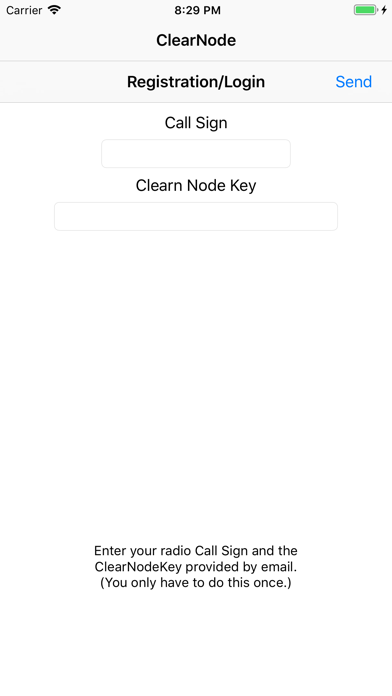
- Set up your ClearNode with your AllStar, Echolink and DMR credentials and settings
- Configure important parameters for Asterisk and USB Audio
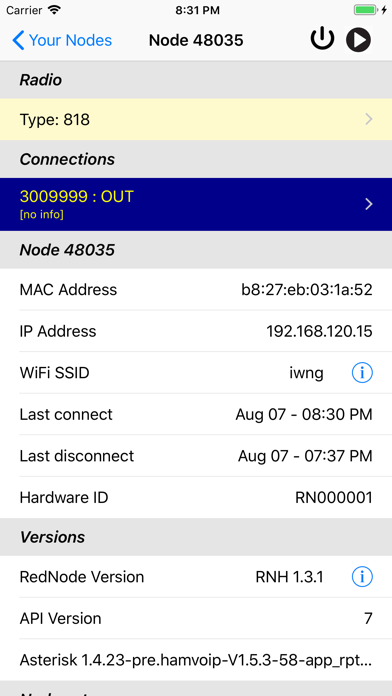
- Connect and disconnect your ClearNode device from remote nodes and servers
- Keep a catalog of the nodes you have connected to
- Search the AllStar, Echolink and DMR active node lists
- Control the integrated radio: Tx/Rx frequency, CTCSS codes, Squelch, Volume, Emphasis, High Pass and Low Pass, bandwidth
- Power down or reboot your ClearNode Device
- Play a delayed stream (~20 sec) of the audio traffic on your ClearNode (Tx and Rx), also play the stream to your public Broadcastify account
- The ClearNode App detects and displays your ClearNode's current IP Addresses
- If you have multiple ClearNode devices you can monitor and control them all from a single ClearNode Mobile App
This application is a support/remote control utility for ClearNode devices built by Gerry Filby/W6WNG.