
Dark Mode for Safari: NightEye
Adjust colors for browsing
PROMOTINO LTD OOD
iPhone Screenshots

Description
Enable across websites by adjusting colors for a consistent, soothing theme. Reduce eye strain in low-light environments. Customize color settings for optimal comfort. Sync settings across devices for a unified browsing experience.
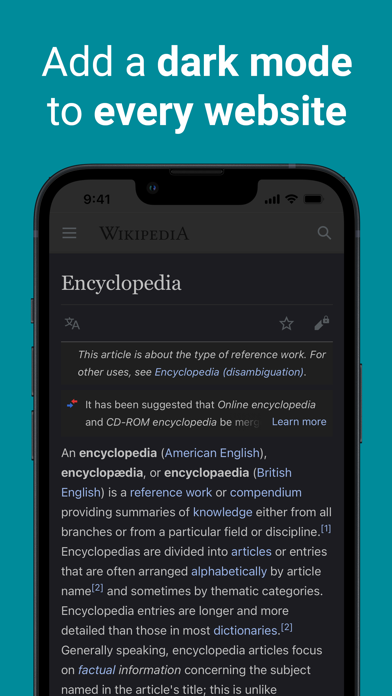
Dark Mode - Night Eye is a Safari extension that automatically adds dark mode to every website you visit. It makes bright websites easier to look at at night, in low light, or anytime you prefer a darker screen. Dark Mode - Night Eye does not collect or sell your data.
It gives websites in Safari a clear, consistent dark theme while you browse. Use it across the pages you open every day, from news and blogs to forums, stores, and online PDFs. On websites that already support dark mode, it works with the site’s own theme so you can keep the look you prefer.
MODES
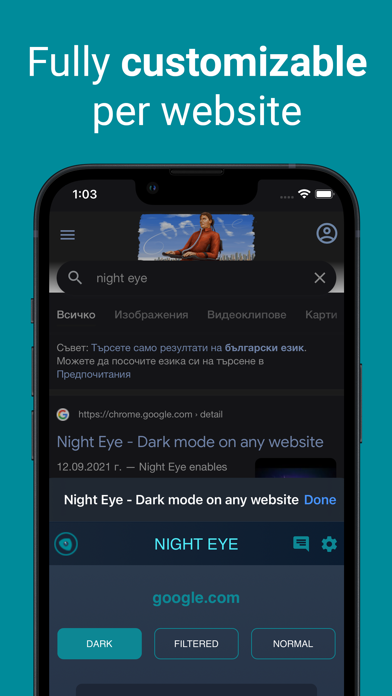
Dark — Changes colors, small images, and icons for a full dark mode experience.
Filtered — Keeps the original website colors and lets you adjust brightness, contrast, warmth, and more.
Normal — Switch back to the regular website look at any time.
FEATURES
- Automatically adds dark mode in Safari
- Works across the pages you browse every day
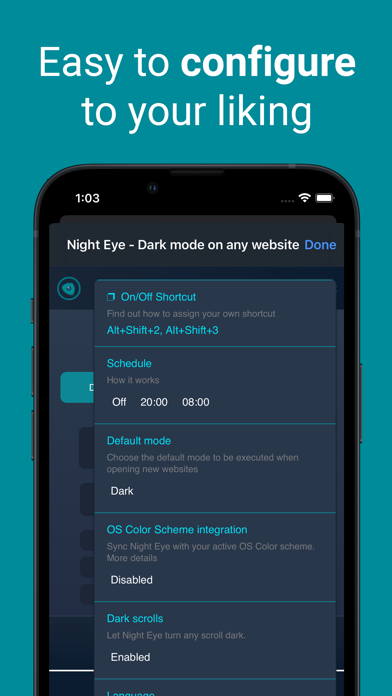
- Follows your system or browser color scheme
- Works smoothly with websites that already support dark mode
- Lets you schedule when dark mode turns on and off
- Applies dark mode to online PDFs
- Lets you export and import settings between Safari and other supported browsers
CUSTOMIZATION
Change settings for one website or for all websites. Adjust brightness, saturation, contrast, blue light filter, and dimming to make browsing more comfortable.
HOW TO SET UP
1. Open Dark Mode - Night Eye and tap the button on the welcome screen to go to Settings.
2. In Settings, go to Apps > Safari > Extensions, then tap Dark Mode - Night Eye and turn on Allow Extension.
3. On iPad, Safari may appear in the left sidebar.
4. On the same screen, allow the extension to run on the websites you visit. If you see All Websites, tap it and choose Allow.
5. Open Safari and start browsing with Dark Mode - Night Eye enabled.
You can also tap the Manage Extensions button in the Safari address bar to open Dark Mode - Night Eye settings.
PLANS
Night Eye Lite
Free access to dark mode on up to 5 websites.
Night Eye Pro
3 months included when you install the app. Starts automatically, with no payment or registration required.
Night Eye Pro Max
Yearly access with full features on up to 6 browsers.
Night Eye Ultimate
A one-time purchase for lifetime access on up to 10 browsers.
PRIVACY
Safari may tell you the extension can read and change webpages. Dark Mode - Night Eye needs this access to apply dark mode on the websites you open.
Safari may also show a notice about sensitive information or browsing history when you enable extensions. This is a standard extension warning. Dark Mode - Night Eye does not read, collect, or sell your personal information, including passwords or payment details.