
iPhone Screenshots




Description
Highlights:
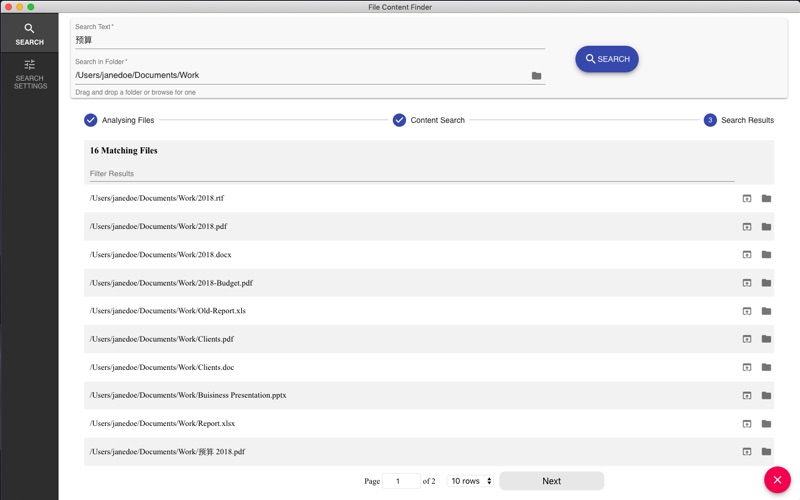
- Searches files by their contents, not just names;
- Supports all popular document types (PDF, MS Word, Excel, etc.);
- Works in real time without indexing;
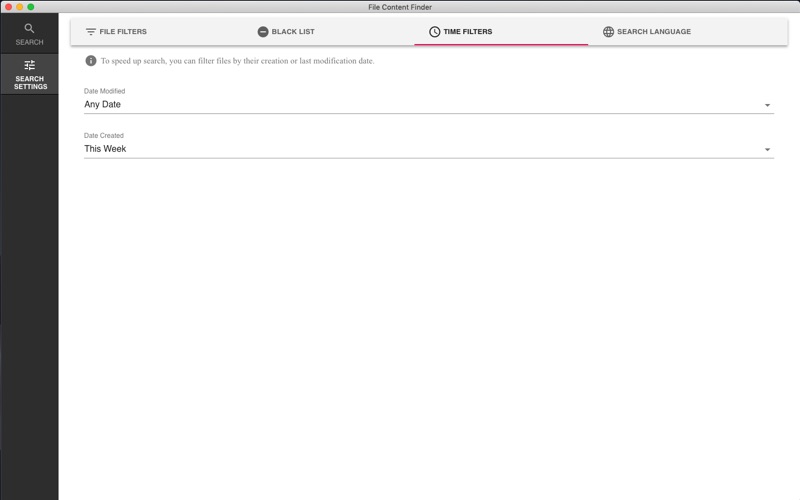
- Advanced filtering by document type, creation date, last modification time, and more;
- Works with network/server drives;
- Can search in all languages and scripts (Cyrillic, Chinese, Japanese, and others);
- Uses OCR to search for text in images (experimental!);
Supported file formats:
- PDF;
- MS Word - doc, docx, and others;
- MS Excel - xls, xlsx, and others;
- Libre/Open Office - odt, ods, and others;
- RTF;
- Images (png, jpg) - experimental!;
- Text and source files - txt, html, markdown, and others.
The app also supports searching in network file shares (e.g. SMB, FTP, AFP). On your Mac top menu, navigate to "Go" -> "Connect to Server..." and enter the server address and credentials. Then the network share will appear in Finder as a Volume and will be selectable from the app.