
iPhone Screenshots
Description
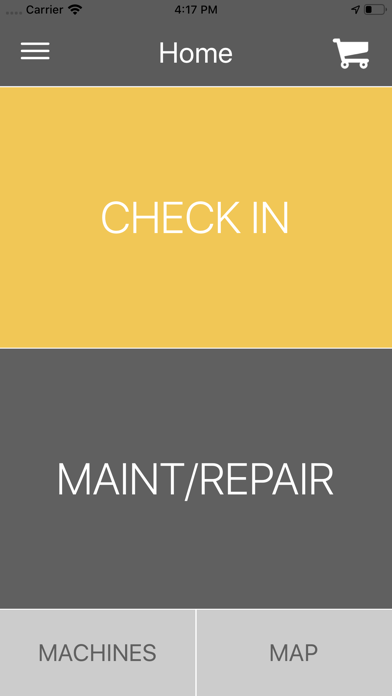
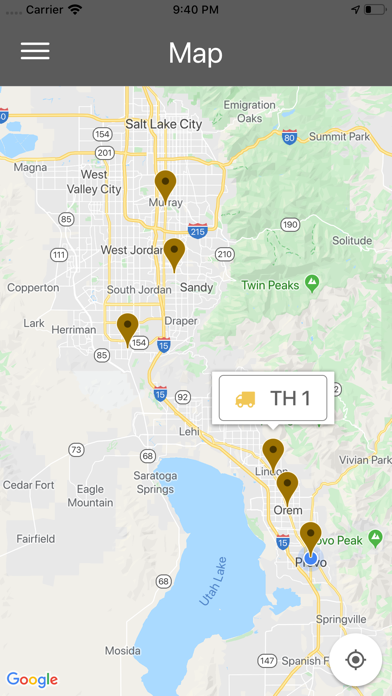
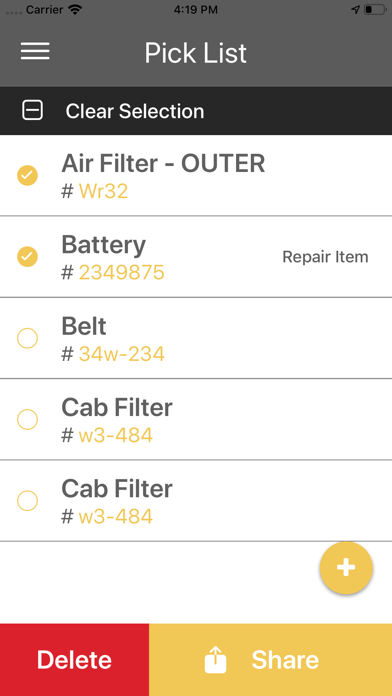
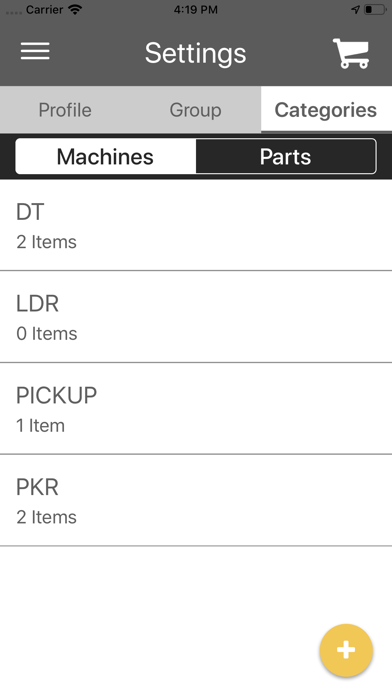
Track machine locations with check-ins and view them on a map. Create categories to organize machines and parts. Schedule maintenance and repairs. View maintenance history and export PDF reports for each machine.
EQ TRACKER! The easiest way to track location and maintenance for ALL of your machines!
EQ TRACKER allows you to:
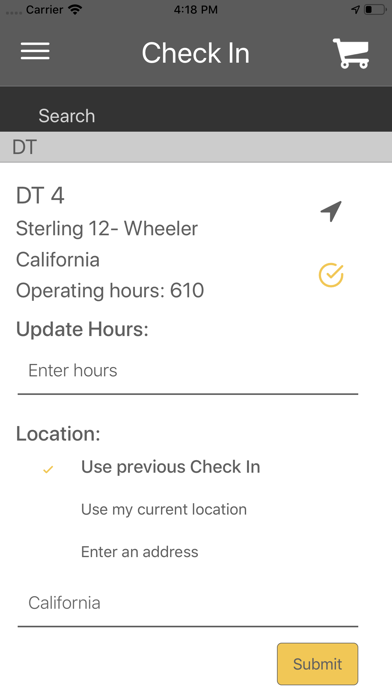
* Track the location of your machines with a simple check-in
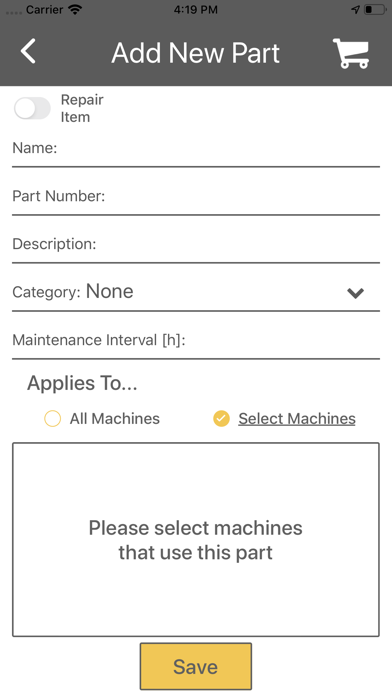
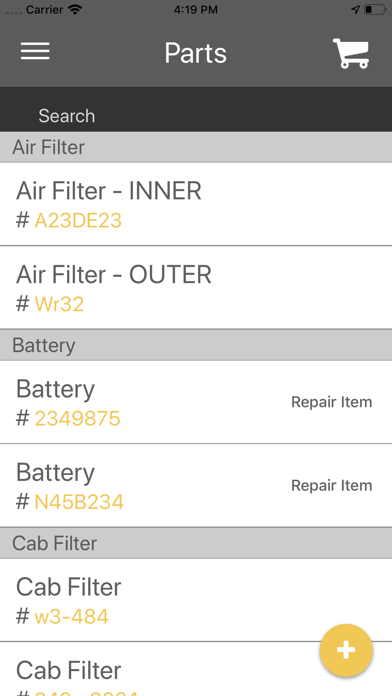
* Create categories to manage your machines and parts
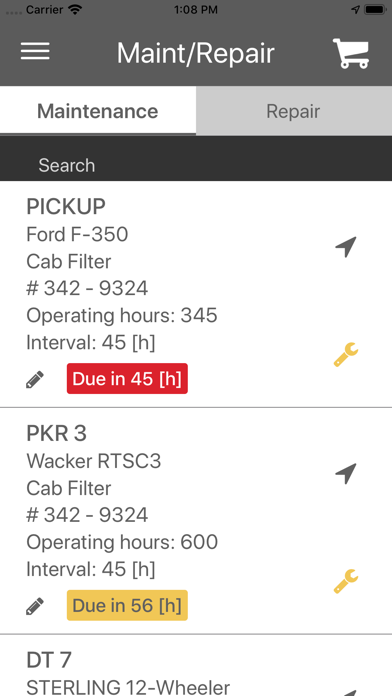
* Schedule maintenance and repairs
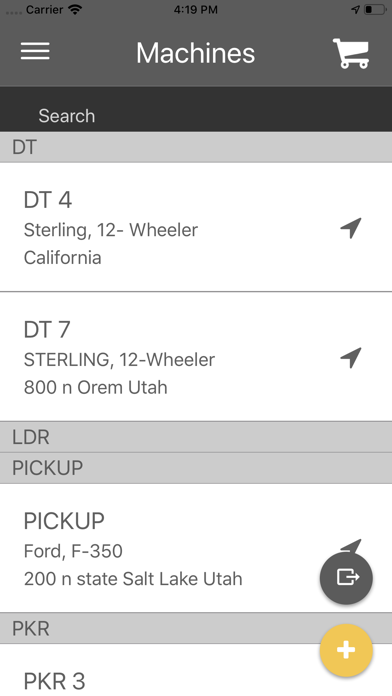
* See a list of your machines that includes the location of each
* Easily view machines on the map
* See a list of your maintenance and repairs
* View each machine’s maintenance history
* Export a PDF of your machine’s maintenance history
* Export a list of parts or individual part names and numbers
* Create a group and invite members to track your machines and
perform maintenance
To use EQ TRACKER:
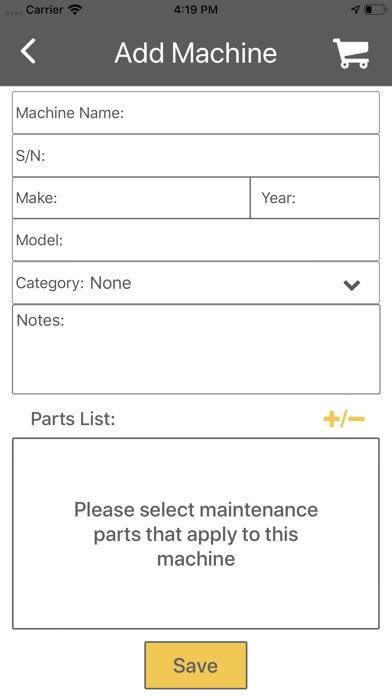
1. Enter your machines and machine details
2. Do an initial check-in to put your machines on the map
3. Enter your maintenance parts (your maintenance is automatically scheduled)
4. Enter repair items as needed, you can quickly schedule a repair
5. Complete maintenance or repair according to the schedule
6. See the completed maintenance in your machine’s history
7. Export maintenance history for one or more machines
8. Share needed parts and part numbers via email or text …etc
(using the phone’s system dialogue)