
LaserSoft WorkSite
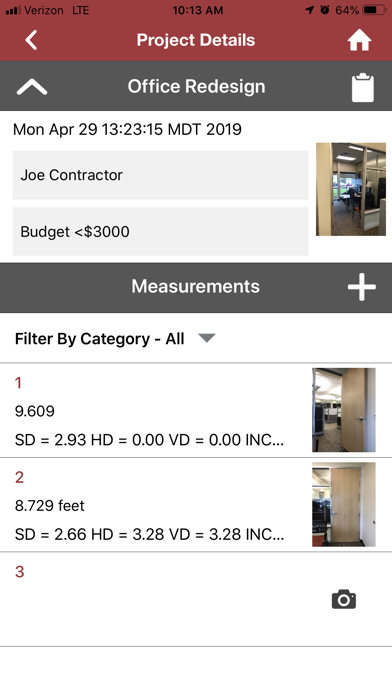
Create projects with records, images, and attributes
Laser Technology Inc
iPhone Screenshots

Description
Manage projects with measurement records, images, and attributes. Generate reports and organize assets. Save quick notes with measurements. Adjust TruPoint 200h settings wirelessly. Upgrade laser firmware remotely. Track project details and settings.
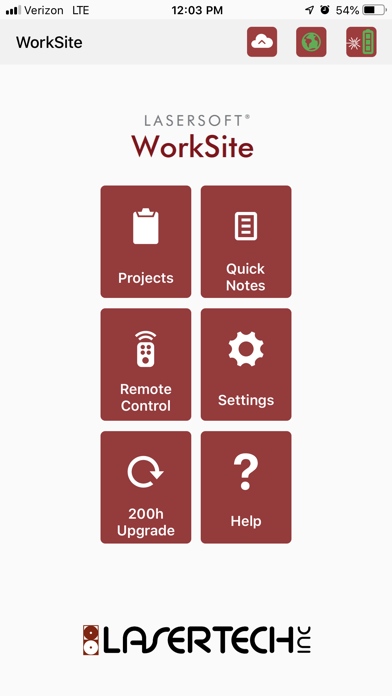
WorkSite Projects provide maximum flexibility in documenting the assets, infrastructure or resources that are important to you. It is designed to work with a TruPoint 200h and consists of 6 modules:
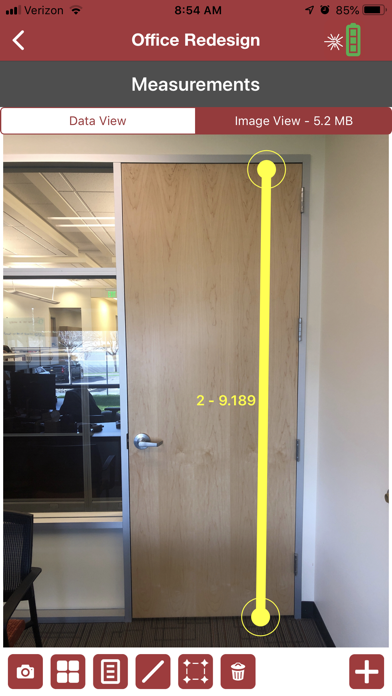
• Projects – create full projects with measurement records, images, and attributes and generate reports.
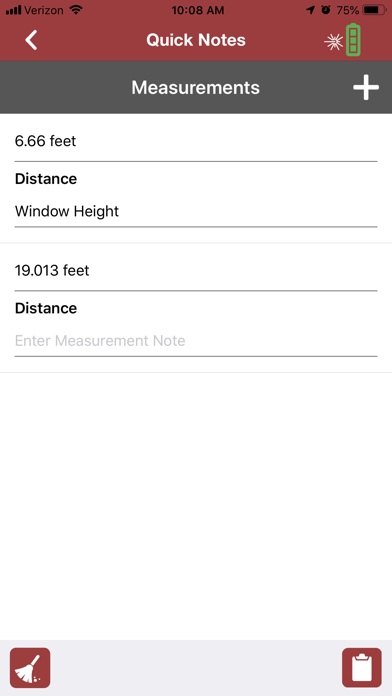
• Quick Notes – save quick measurements with a short note.
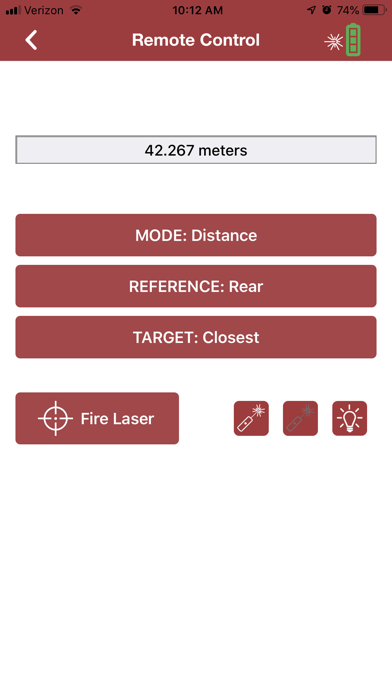
• Remote Control – Change modes and settings on a TruPoint 200h wirelessly.
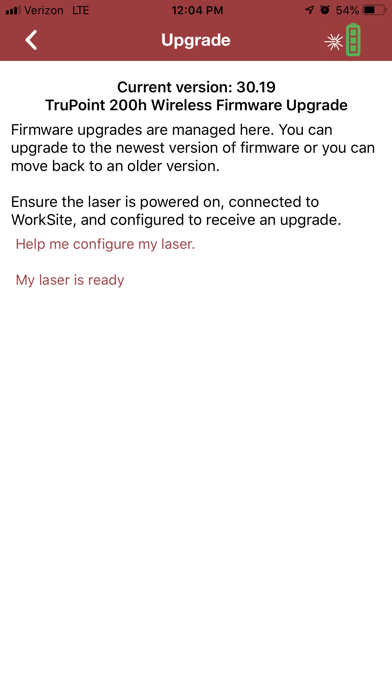
• 200h Upgrade – Upgrade laser firmware wirelessly.
• Settings – Adjust the Project settings for the app.
• Help – Find the app version and user’s guide here.
Unlike any other app from Laser Technology, WorkSite can be used without being connected to any laser and measurements from any tool can be entered into measurement records (from a TruPulse, a tape measure, or any other measurement tool).
Upload Projects to the Cloud (www.lasertech.cloud) to review, edit, and create reports for free. The Cloud includes all app functions except receiving laser data plus:
• Re-order and organize measurement records
• Add, subtract, multiply and divide measurement values and build estimates
• Access photos across all projects to add them to new or existing projects
• Use Map View to view and select projects by geography