iPhone Screenshots




Description
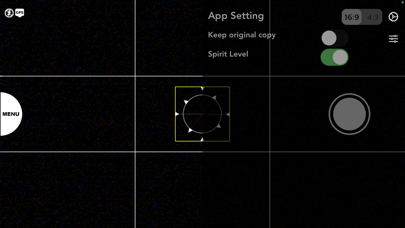
Take photos with real-time filter previews and manual or auto exposure modes. View EXIF and location data with map integration. Save favorite filters for quick access. Share photos directly. Control camera via Apple Watch using BLE connection.
UltraCam+
Simple and User friendly UX and UI to taking photo with realtime filter effects.
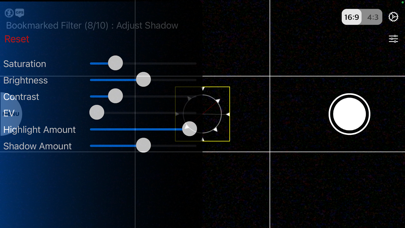
1. Build in filters and realtime filter preview
2. Manual/ Auto Exposure Mode
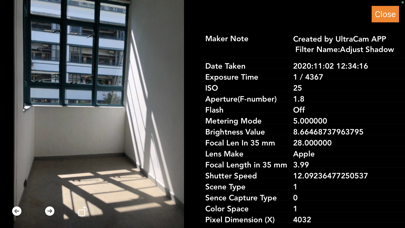
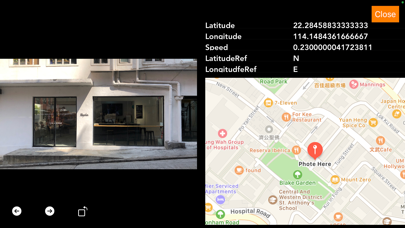
3. EXIF and Location information with maps
4. Bookmark your favourite and frequent use filters
5. Photo sharing
6. Apple Watch as a remote control (The Apple Watch APP connect with the iPhone UltraCam+ APP via BLE. When you installing the iPhone APP. You should also connect your Apple Watch with the iPhone. Once the installation completed, you should found the UltraCam iPhone APP is installed in the iPhone. And the Apple Watch APP also installed in your Watch. Now you can launch the iPhone APP and then launch the Watch APP to remote control the iPhone "Shutter" to take the photo. And you can view the photo, stored in iPhone, from your Watch APP's "preview" page.)