iPhone Screenshots
Description
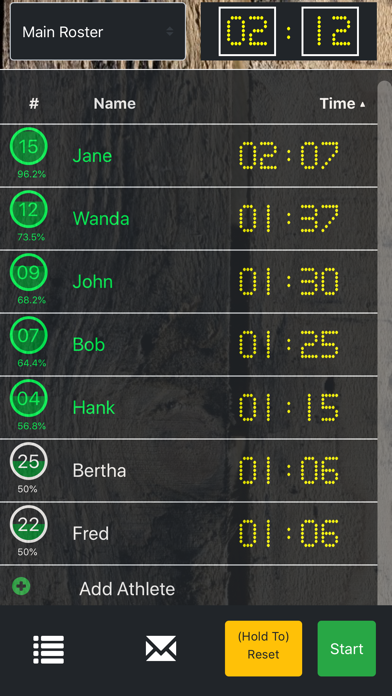
Tracks playing time for team members across any sport. Coaches or parents can monitor individual time on the field. Add players via a plus sign and save to a roster. Start by clicking a circle next to a name.
This app tracks the playing time for everyone on your roster and works with any sport. Coaches, managers, or parents can easily run this app during the game to track how much time everyone has played during the game.
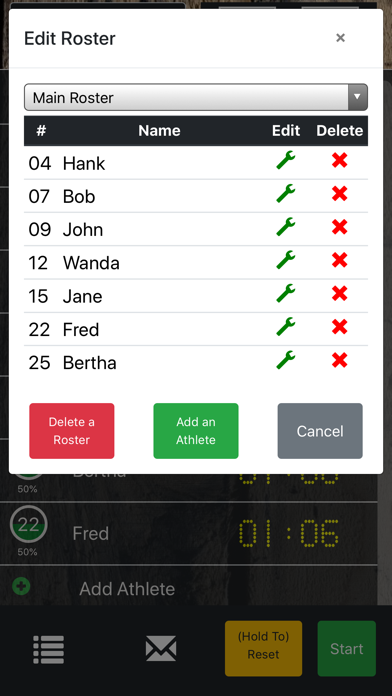
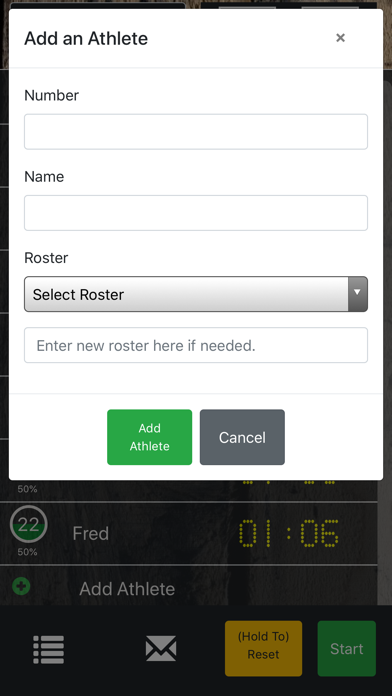
The app is super easy to setup, just click the "plus sign" to add players and save them to your roster. Once your roster is saved you can use it for any game in the future.
To time players just click the circle next to their name so that it turns green and then start the game clock. You can sub players in or out while the timer is running (such as sports like soccer and hockey), or you can stop the game time and sub players for sports like basketball.
Sports which would work very well for this app include:
Soccer
Basketball
Hockey
Volleyball
Football
Lacrosse
Rugby
and many more.
Please feel free to contact me if you need support or have any questions.