
Smart Elfin
Quspeed Future Artificial Intelligence Technology Guangzhou Co., Ltd.
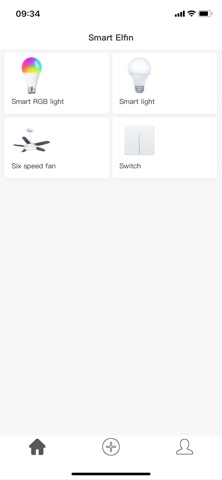
iPhone Screenshots


Description
# Bluetooth 2.4G Devices
For successful pairing, click the Pairing button within 5 seconds after powering on the device.
Key Features:
1. Device Control: Turn on/off, adjust light brightness/color temperature & fan speed levels
2. Scheduled Shutdown: Set custom timers for automatic turn-off
3. Quick Setup: Add devices instantly in Settings or via "Add Device > Manual Setup"
# WiFi+Bluetooth Dual-Mode Devices
For successful pairing, go to "Add Device > Discover Devices" within 1 minute after power-on.
Key Features:
1. Device Control: Turn on/off, adjust light brightness/color temperature & fan speed levels
2. Scheduled Shutdown: Set custom timers for automatic turn-off