
iPhone Screenshots



Description
Effi is a project management tool that simplifies bug reporting • design QA.
• Proof • Annotate for Video / Image / Docu
• QA for Mobile App / Web / Game UI•UX
• Project management / Remote work / JIRA integration
**Main features**
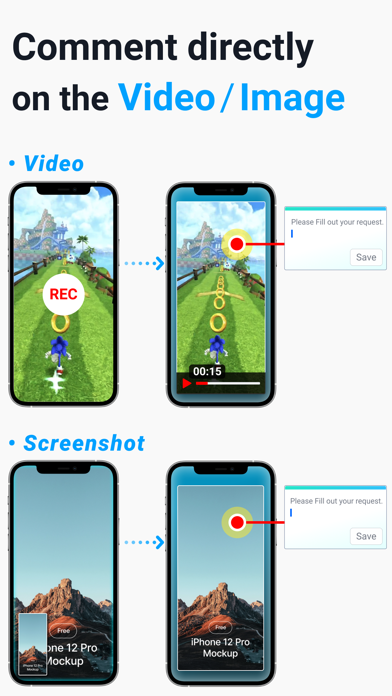
• QA with video •
In the meantime, if it was difficult to explain the issue point of the video in minutes/seconds, try entering the description by taking X,Y points on a specific frame of the video. Much more intuitive and accurate communication becomes possible.
• The easiest way to QA with your smartphone •
You can easily mark the issue area on video and screenshots on your smartphone and deliver it to the person in charge.
CS job group, PM / representative who is out of the office can also QA easily with a smartphone.
• Simply import screenshots to effi web and comment! •
Have you been cumbersome to transfer screenshots to your PC, draw an area with a drawing tool, and then attach files? You can now experience simplified bug reporting.
• Fully bidirectional sync with JIRA •
When you create a task in effi, it is synced to JIRA (and vice versa),
Comments/content edits are also synchronized.
effi web/app can be linked not only with JIRA Cloud, but also with JIRA on-premises and on-premises.
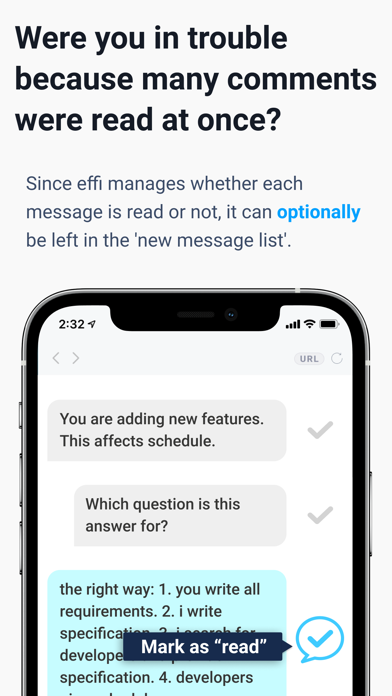
• Did you have trouble with many comments being read at once? •
Unlike Slack, Trello, and Asana, effi manages whether each message is read or not.
You can leave important or unread messages in the 'New Message List'.
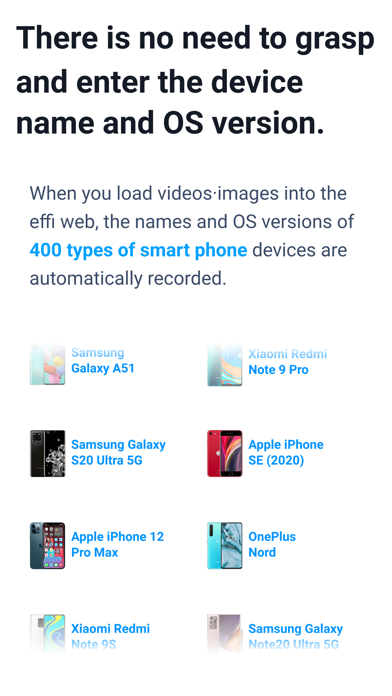
• There is no need to figure out and enter the device name and OS version one by one. •
When you load a video/image to the effi web,
About 400 types of smartphone device names and OS versions are automatically recorded.
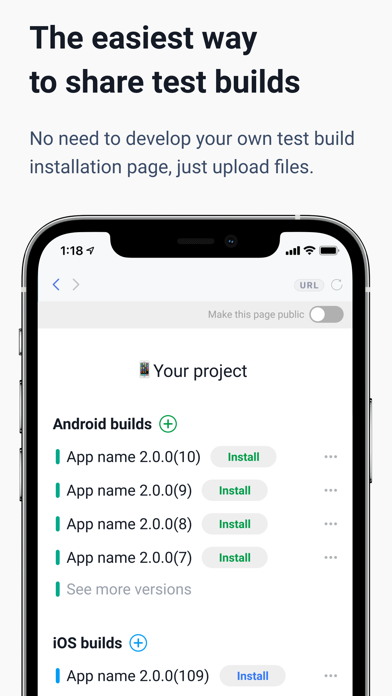
• Easiest way to share test builds •
No need to develop your own test build installation page, just upload the file.
URL sharing by version and history management are also possible.
• Keep your projects organized with sections and folders. •
If it was difficult to manage too many sub-tasks of the business card in existing tools, try the folder of effi.