
iPhone Screenshots
Description
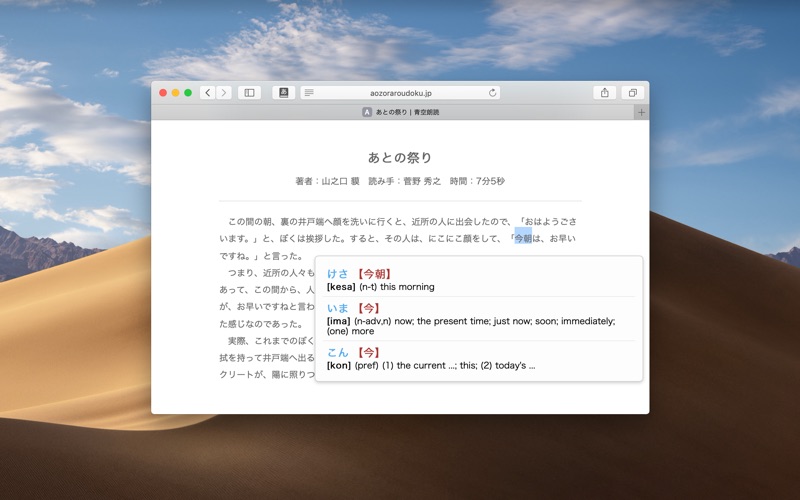
Translate Japanese text on web pages by hovering over words. Display translations in popups. Works with Safari through a browser extension.
Translate Japanese words on web pages. Inspired by rikaichan and rikaikun, with love for Safari.
# How to install and use
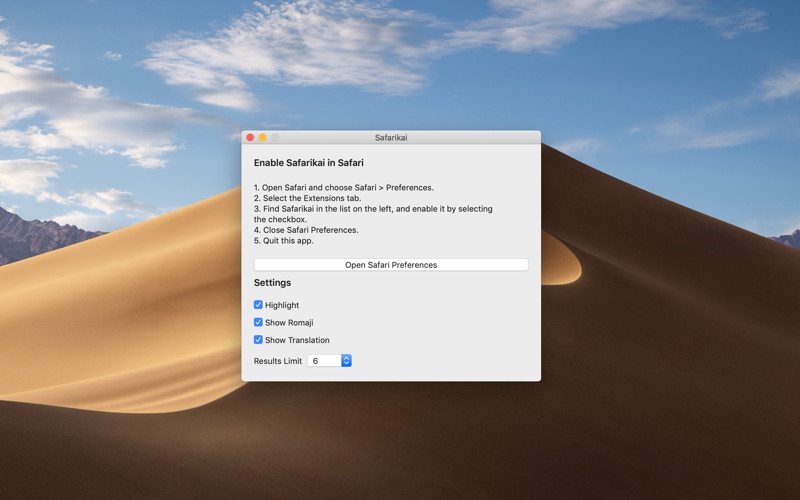
* Run Safarikai.app once to install the extension.
* Open Safari - Preferences - Extension, make sure Safarikai is checked on the left panel.
* Hover over Japanese word; if Safarikai finds translation(s) for that word a popup will show.