
iPhone Screenshots

Description
VIE FIT is the application works with the earphones "VIE FIT"
The functions are followings.
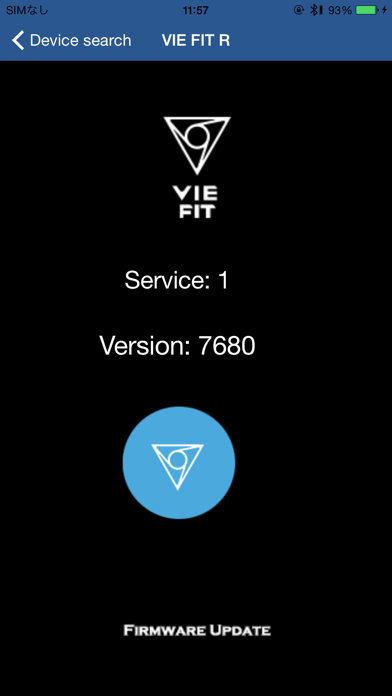
1: Version check of the firmware
2: Firmware update
"How to update the firmware"
"Preparation"
1: Please make sure your phone and earphones are FULLY CHARGED.
2: DELETE all of Bluetooth setting of VIE FIT.
3: Power On one side of the earphone.
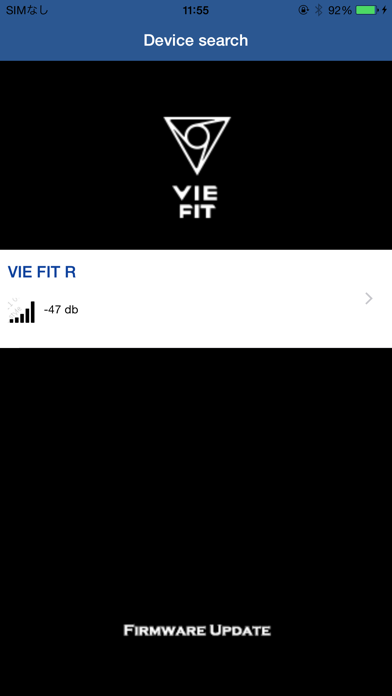
4: Open the VIE FIT app.
5: Push the button of VIE FIT 3 times.
6: Select the earphone on the app.
"Pairing"
7: Pair the Bluetooth (Push the button 3 seconds and get into the pairing mode. Go to Bluetooth setting and select VIE FIT.)
"Update"
8: Push the blue circle button in the app to start updating.
9: Push OK to complete the update.
10: Power Off the earphone.
Do the same with the other side of the earphone.