
Web Cast for TV and Chromecast
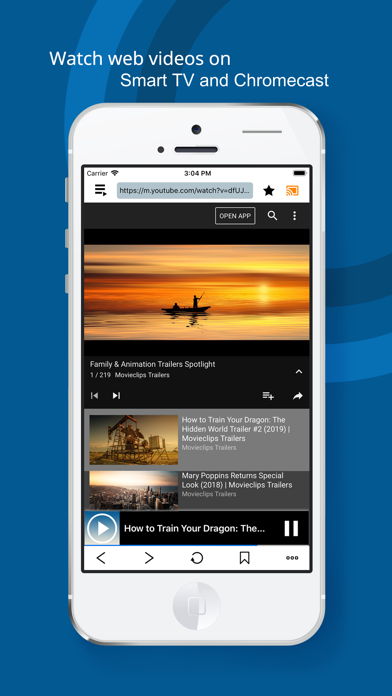
Watch web videos on Smart TV or
Hyungsuk Kim
iPhone Screenshots

Description
Stream web videos to Smart TV or by playing the video. Access bookmarked websites and manage a playlist of video links. Control playback and navigate content through a browser-like interface.
Watch web videos on your Smart TV or Chromecast!
If you have a Smart TV or Chromecast, you can watch the web videos more conveniently than you've been enjoying so far.
Web cast are easy to use because of browsing site in a similar way to Safari or Chrome browser.
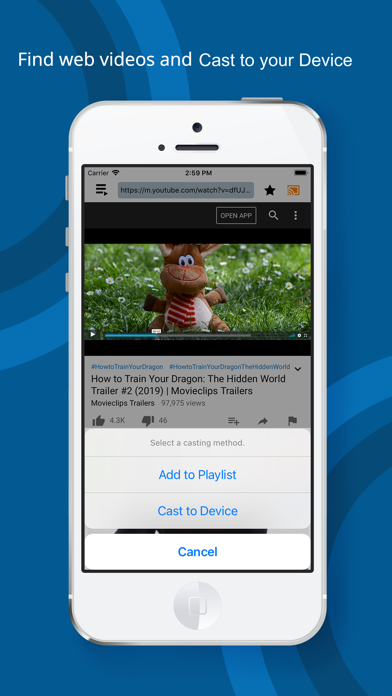
Just play the web video, it will be connected to Smart TV or Chromecast and watch it right on your TV.
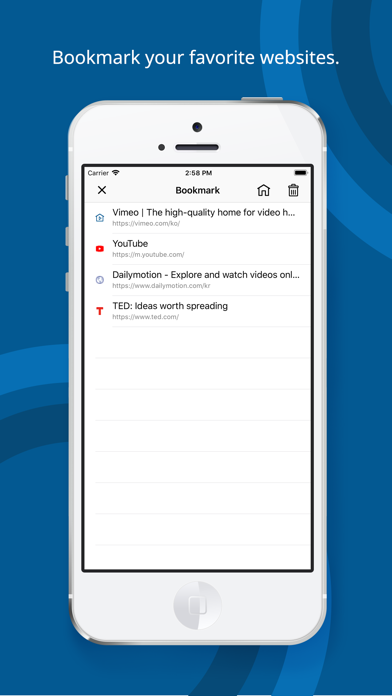
Bookmark your favorite websites and access them at any time.
Add the web video link you want to watch later to your playlist.
In a playlist, you can play it in various ways, such as repeat play, full play, and shuffle play.
* main function
- Playing web video with Smart TV or Chromecast
- Search and browse websites
- Playing iPhone photos, videos with Smart TV or Chromecast
- Favorites feature
- Playlist feature
- Web pop-up block function
* You must be connected to the same Wi-Fi network for web video cast to Smart TV or Chromecast.
* Please e-mail to [email protected].