
iPhone Screenshots

Description
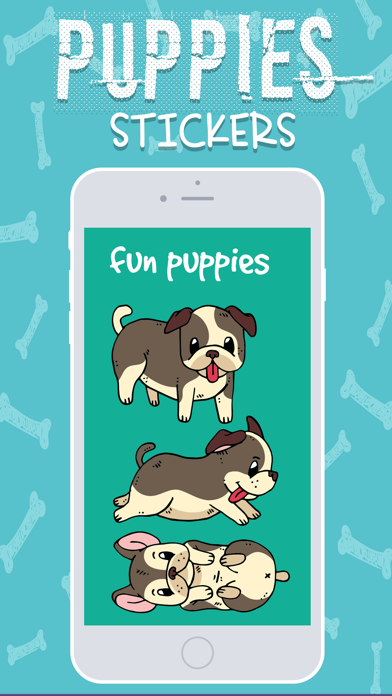
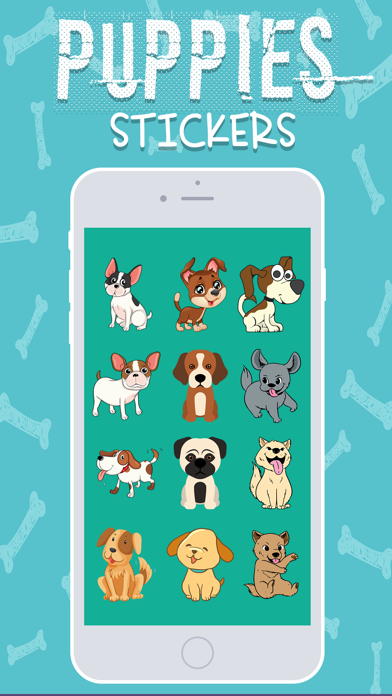
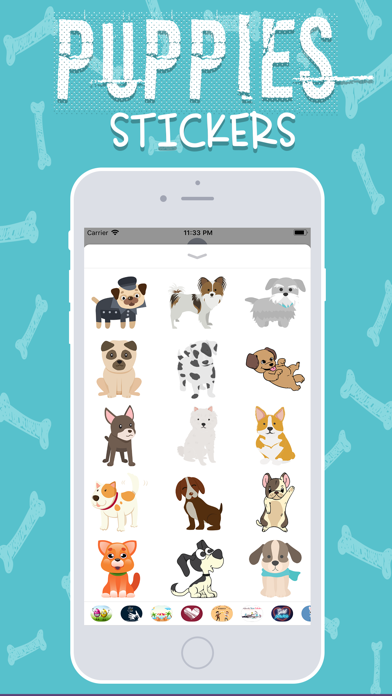
Downloads Cute Puppies Stickers for iMessage
How to use iMessage Stickers:
• Tap the App Store icon alongside the message box in iMessage
• Tap the icon on the lower left corner and then the plus icon to access the App Store for iMessage. Tap Manage tab and find Puppies Stickers to add it.
• You can peel and place them on anything in your conversation – bubbles, images, or even other stickers.