
iPhone Screenshots


Description
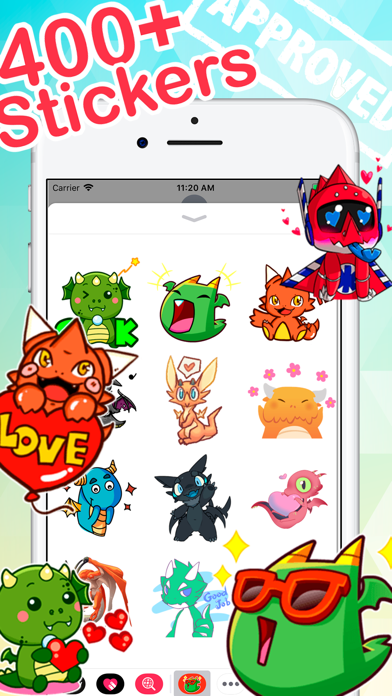
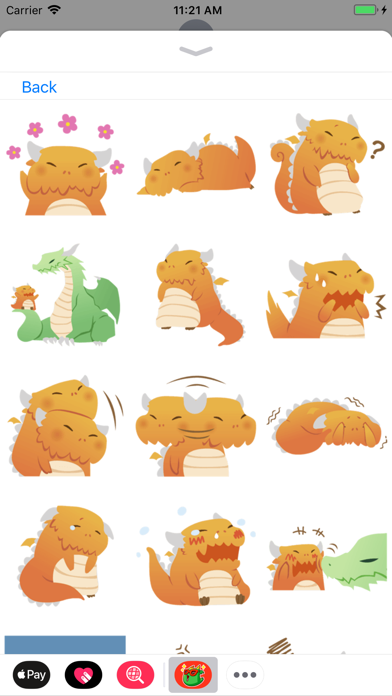
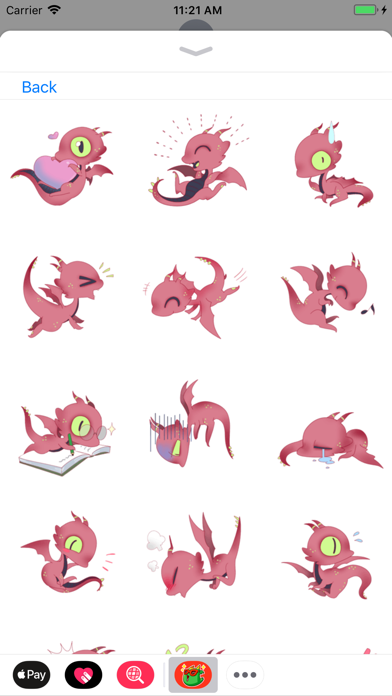
Send stickers in messages by opening a conversation, tapping the > button to access the sticker menu, and selecting from a variety of emoji and animated stickers. Choose and send stickers directly within the chat interface.
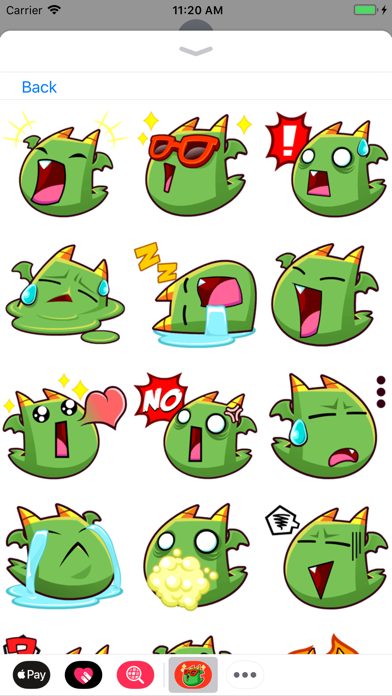
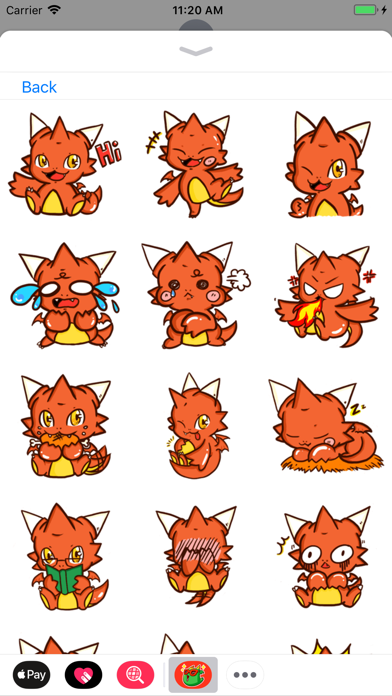
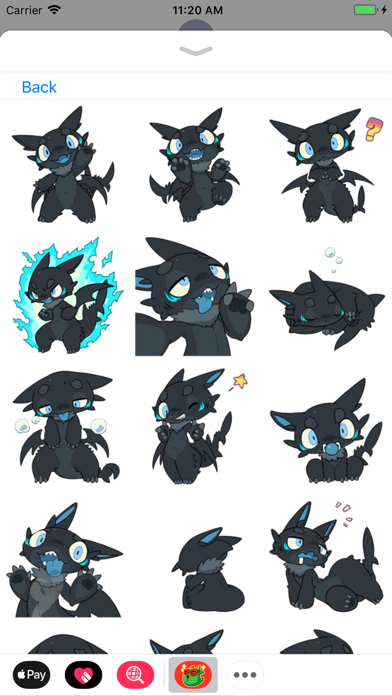
Add more emotion to your messages with all of these cute stickers!
Stick them on your message, stick them on friend's message. Less talk, more stickers.
-----------------------------------------------
To start using stickers:
Step 1: Open a message and tap > button to the left to the text box
Step 2: Tap the app button that appears (it looks like an A) and then tap the button that looks like neko-boy in the lower left.
Step 3: Tap stickers icon to start sending