
iPhone Screenshots


Description
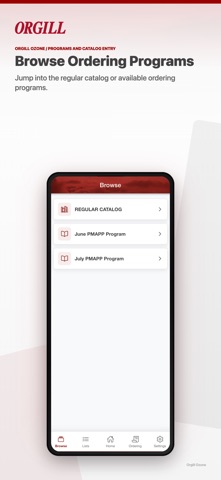
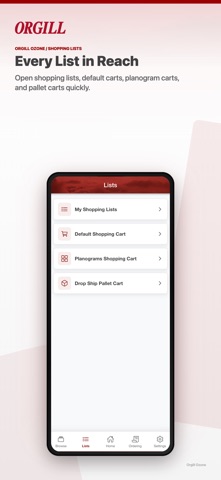
Order merchandise using item numbers, UPC codes, or scanned labels. Manage stock replenishment and special orders. Review promotions, order history, and past purchases. Link to .Com account for purchases or cart submission.
Streamline Your Store’s Ordering with the Official O Zone app!
The O Zone turns your mobile device into a powerful ordering tool. Whether you’re walking the aisles for daily stock replenishment, placing special orders, or prepping for the next big Buying Event, managing your purchases has never been faster or easier.
Scan, browse, and submit orders from anywhere, at any time.
Key Features You’ll Love:
● Fast Barcode Scanning: Skip the typing. Use your device’s camera to scan UPC codes or bin labels on the fly to instantly find and add items to your order.
● Flexible Search Options: Can't scan? No problem. Quickly find what you need by typing in Orgill item numbers or standard UPC codes.
● Seamless Cart Integration: Complete your purchases instantly from your mobile device, or submit your cart to the orgill.com website to review and finalize later.
● Complete Order Transparency: Access your O Zone purchase history anytime to review past orders and browse previous purchases.
● Never Miss a Promotion: Easily view, review, and order active promotions directly through the app to maximize your savings.
Orgill Buying Event Companion
Take your in-person event strategy to the next level!
● Seamless Ordering: Scan buying event labels and execute your promotional purchases seamlessly within the designated market window.
Get Started Today!
Simplify your daily operations and your purchases. Download the O Zone and log in with your existing orgill.com account to start ordering smarter today.