
iPhone Screenshots




Description
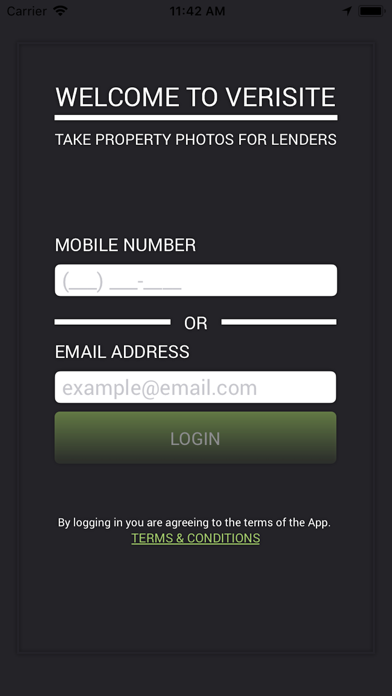
The Verisite property and site inspection app makes taking interior and exterior pictures of properties a breeze. It is for site and property inspections only. Disclaimer: only install this app if you are working with an approved Verisite lender.
The Verisite app walks you easily through taking pictures of the site address that a lender sends to you from their office. Verisite communicates in real-time with a lender’s computer to transmit information about the site address they want you to take pictures of. Utilizing the default geo-location functionality in your device, Verisite identifies the location of the pictures you take.
The easy-to-follow design of the Verisite app gives you step by step instructions on what a lender needs from you. It’s a simple, easy way to keep loans moving! Here’s how it works:
• Install the Verisite app.
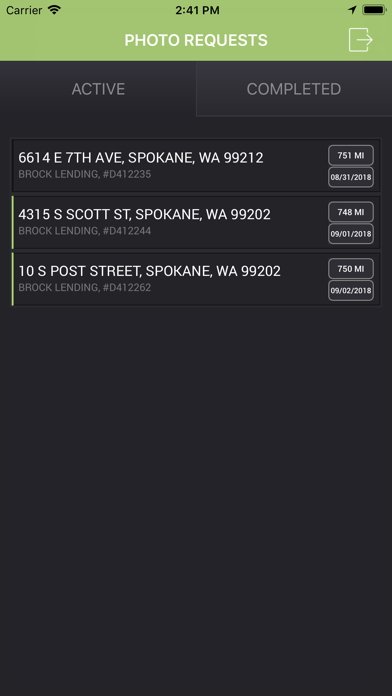
• The app will notify you when you get an order from a lender.
• Check out where the site is located based on the address the lender sent you.
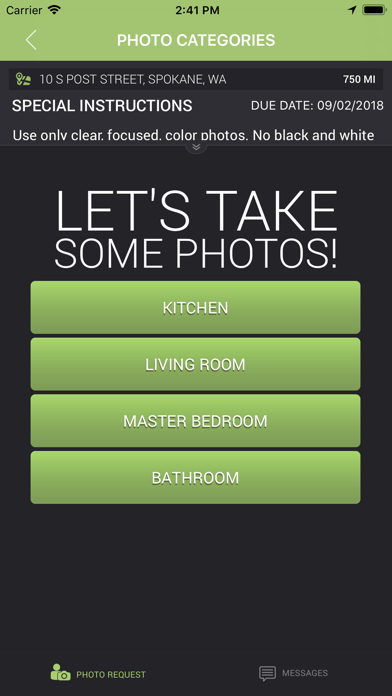
• Read the instructions for what interior rooms and exterior aspects of the site the lender wants you to take pictures of.
• Once you are at the site address, open the app, and take pictures from the app based on the lender’s instructions.
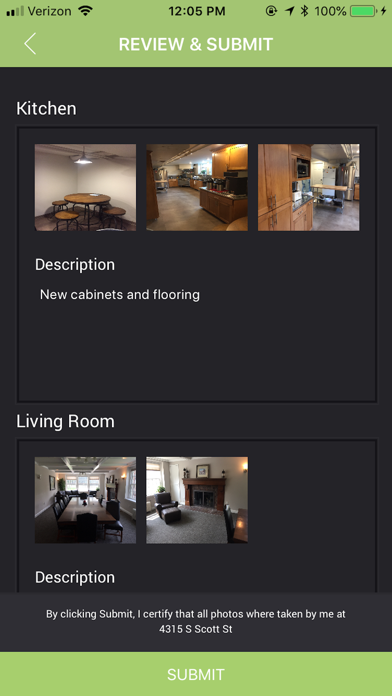
• When you have taken all the pictures the lender has asked for, you can submit all data back to the lender.
• No cell coverage? No problem. Photos and text will be stored locally until you are back within the nearest service area.
• Once everything is sent to the lender, the lender will review your pictures and text.
• The lender may ask you for additional photos or detail. If they don’t, you’re done!