
iPhone Screenshots
Description
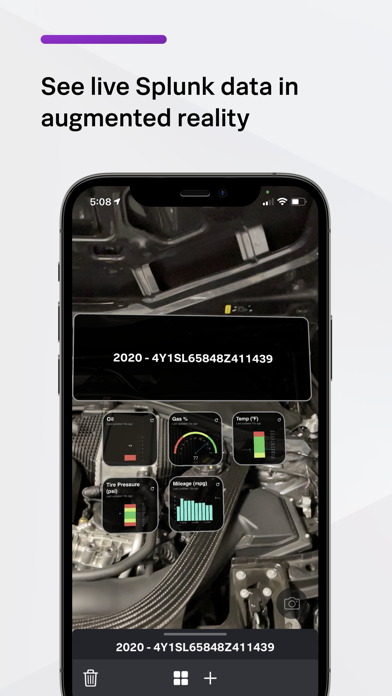
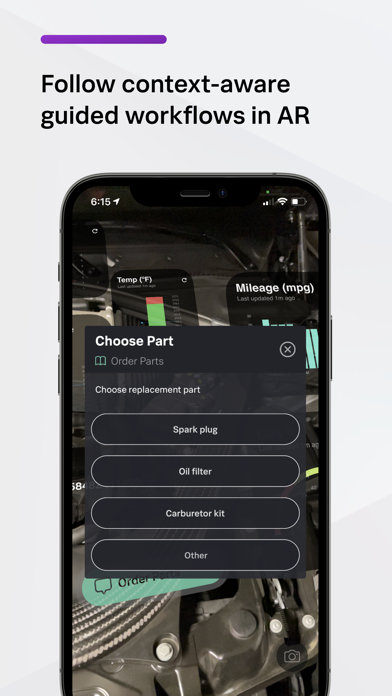
View real-time augmented reality visualizations and dashboards on mobile devices. Scan barcodes, beacons, or geofenced locations to associate data with physical objects. Interact with data in context and take action based on live insights.
Splunk, the industry leader in turning data into business insights, offers mobile apps that extend Splunk capabilities beyond the desktop. Using Splunk AR, you can tie data to real-world objects and locations so users can consume, interact with, and take action with data where it lives. Scan barcodes or use beacons and geofences to view real-time augmented reality visualizations and Splunk dashboards on your mobile device.
Using Splunk AR with your Splunk deployment, you can:
- Associate Splunk data with objects or locations using barcodes, NFC tags, beacons, or geofences.
- View and interact with real-time augmented reality visualizations and Splunk dashboards by scanning barcodes and NFC tags or by entering a beacon or geofenced area.
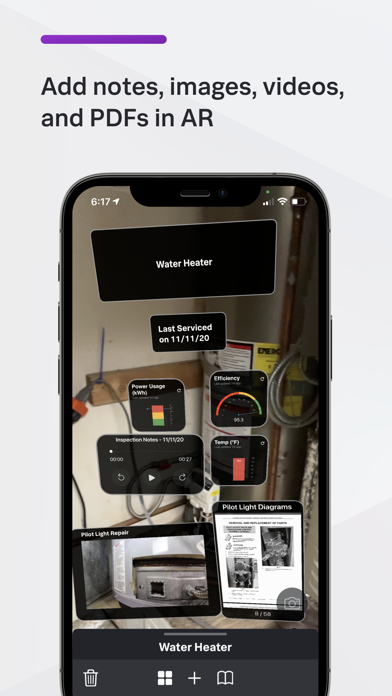
- Add multi-media notes to your augmented reality visualizations to collaborate with other users.
For more information, see https://docs.splunk.com/Documentation/AR