
My Shuffler
Play songs, skip tracks, shuffle albums
BGC SOFTWARE, LLC
iPhone Screenshots
Description
Create a shuffled music queue based on your preferences. Skip songs, ignore genres, or focus on specific artists. Play entire albums from any song. Resume shuffled playback from where you left off.
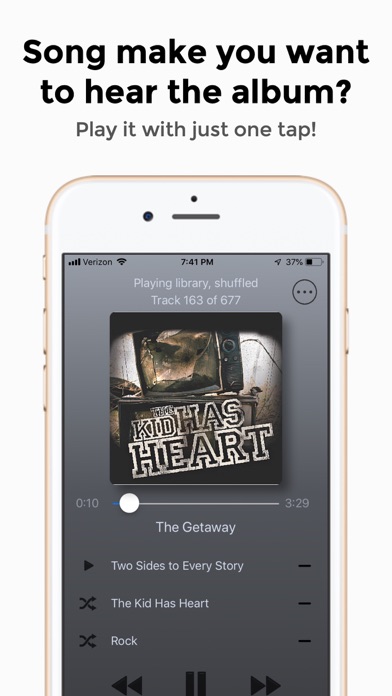
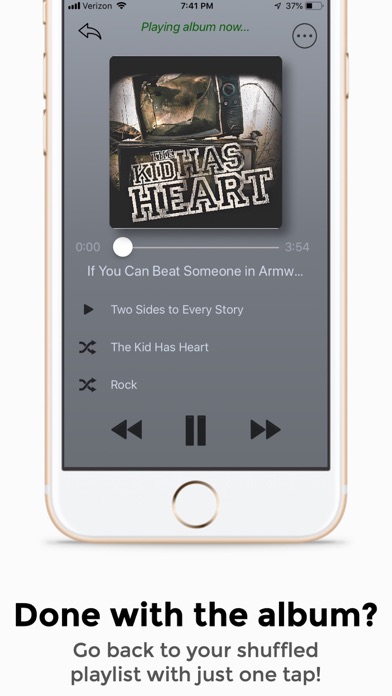
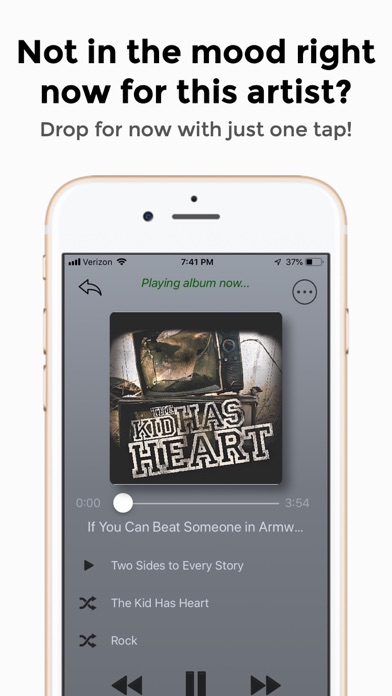
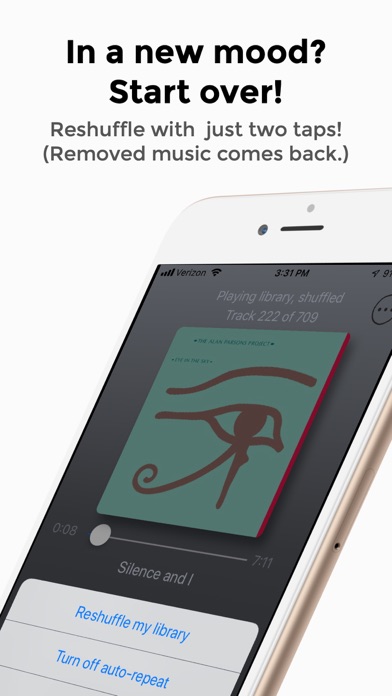
Your music, shuffled well. My Shuffler creates a shuffled music queue, just for you! The simple user interface lets you take actions like skip to the next song, ignore a genre for now, or just listen to a particular genre or artist. Hear a song and think of the album? Play the song's album from the beginning. Then come back to your shuffled music, right where you left off. In a different mood now? Start all over by reshuffling your library. Do all this from one simple interface that just takes a minute to learn.
Every time you open My Shuffler, it creates a shuffled playlist of your music library.
From the user interface, you can:
• Play an album
• Shuffle an artist
• Shuffle a genre
• Return to the original playlist anytime.
• Click the “minus sign” icon to remove from the playlist a genre, artist, or album.
• Start over by reshuffling your library. (Any genre, artist, or album removed earlier comes back when you reshuffle.)
• And more…
My Shuffler works with your music loaded onto your device through iTunes, with music purchased from iTunes, and/or with music added to your library from an Apple Music subscription. (An Apple Music subscription is not required to use My Shuffler.)
Please send suggestions or feedback to [email protected]
Return icon made by Gregor Cresnar from www.flaticon.com