
iPhone Screenshots
Description
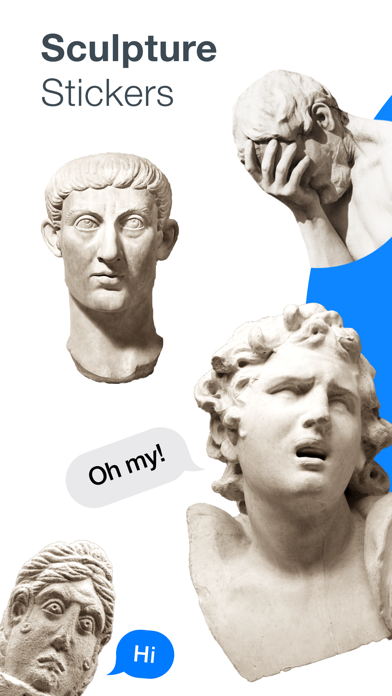
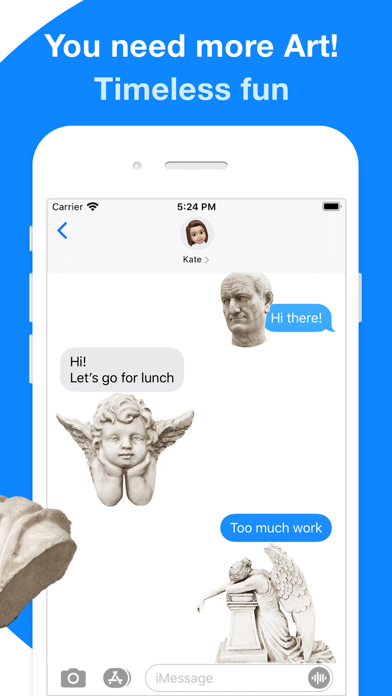
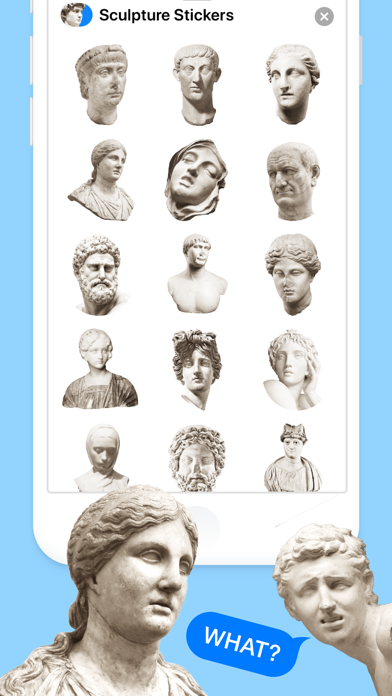
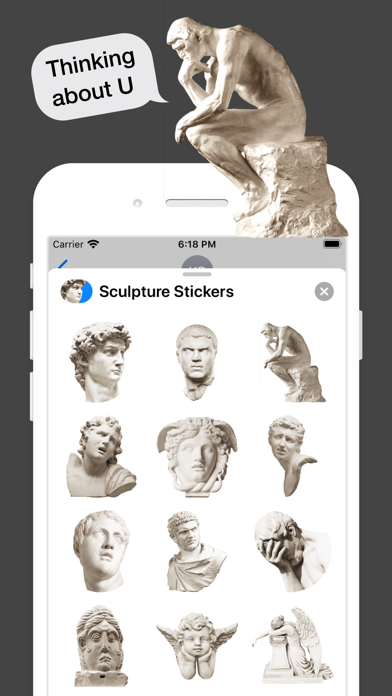
Add ancient reactions to your messages! Dozens of famous, emotional and funny sculptures. Suppose you are bored or you want to cheer your friends – send them our stickers.
1. HOW TO USE STICKERS:
• Open Messages and tap the Compose button to start a new message. Or go to an existing conversation.
• Swipe left or right over the app drawer to find the one that you want to use.
• Then tap the app to open it.
If you want to add a sticker, touch and hold the sticker, then drag it to the message bubble. The sticker will automatically send when you add it to the message.
2. MANAGING STICKERS:
• Open Messages and tap the Compose button to start a new message. Or go to an existing conversation.
• Swipe left over the app drawer and tap the More button .
• Tap Edit button to manage or reorder stickers. Or swipe left over the app to Delete.
If the stickers won't open, re-open Messages app (swipe-up and open again)
3. EXTRAS:
Don't forget to check out our other sticker packs!
Enjoy!