Sena Camera
Preview rides and share footage instantly
Sena Technologies, Inc.
iPhone Screenshots
Description
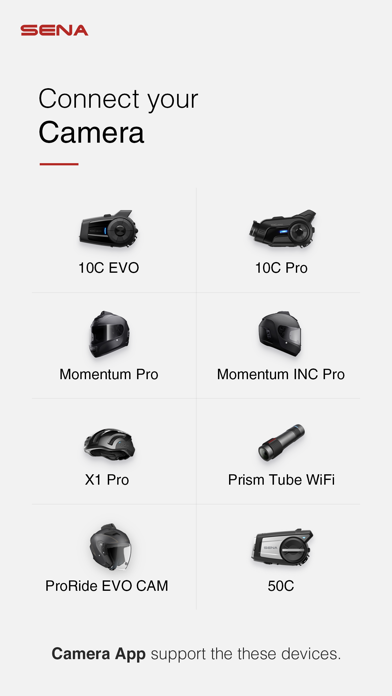
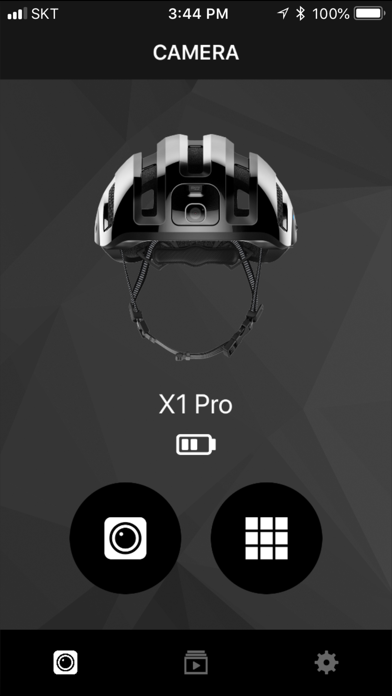
View live footage from connected devices on a smartphone. Adjust settings and preview recordings in real time. Share ride videos directly from the to social media or messaging apps. Control positioning and access playback features remotely.
SENA CAMERA APP FOR SENA CAMERA DEVICES
SEE AND SHARE YOUR RIDE INSTANTLY WITH THE CONVENIENCE OF THE SENA CAMERA APP
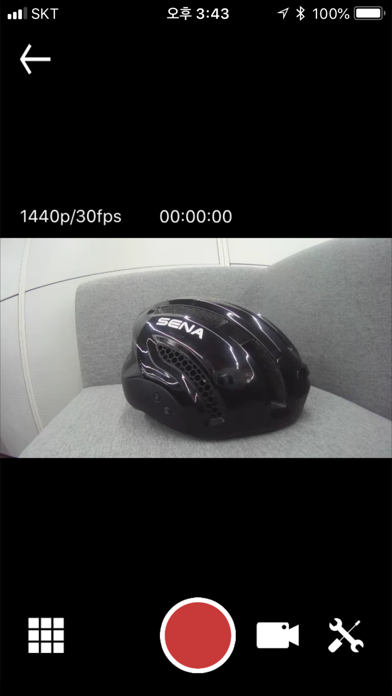
Take control of your Sena camera device straight from the palm of your hand with the convenient Sena Camera App. While connected to WiFi, riders will have the ability to preview the footage being shot on their Sena camera device. No longer will riders have to guess the position of their camera, simply check the viewpoint on your smartphone with the Sena Camera App. In addition to conveniently previewing the video from your Sena camera device, riders may also instantly download the content to their smartphone. Sharing your adventures with friends has never been easier, the Sena Camera App offers a new level of connectivity.
GETTING THE PERFECT SHOT HAS NEVER BEEN THIS EASY
MAKE ADJUSTMENTS ON THE FLY WITH ACCESS TO YOUR CAMERA’S SETTINGS
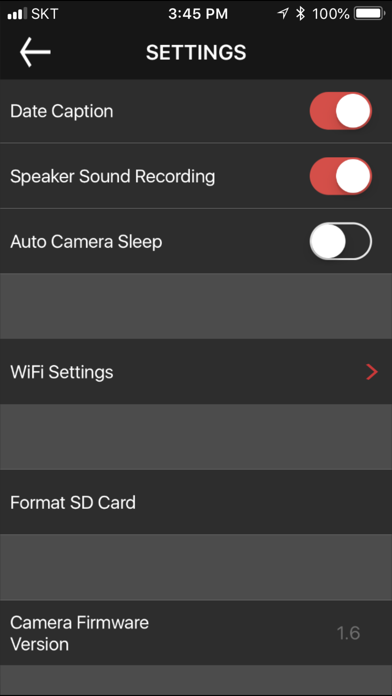
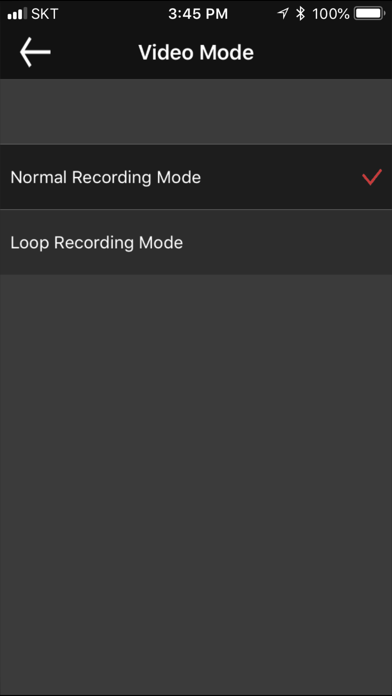
The Sena Camera App allows riders to adjust many of their camera’s settings instantly, within the app. The settings that are accessible within the Camera App include changing the video mode, between video and loop recording mode, changing the video resolution settings (1080p/30fps, 1080p/60fps, 1440p/30fps), and changing the level of the speaker sound recording. Riders may also easily adjust the WiFi settings, format their SD card, put the camera in sleep mode, or adjust the date caption all within the App.