
iPhone Screenshots

Description
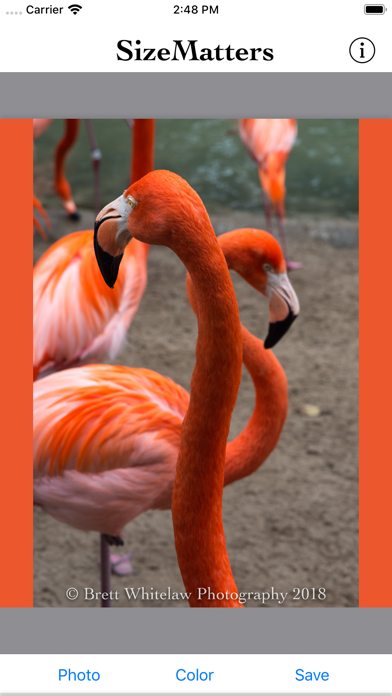
SizeMatters: Maximize images to Instagram's maximum size limits without cropping.
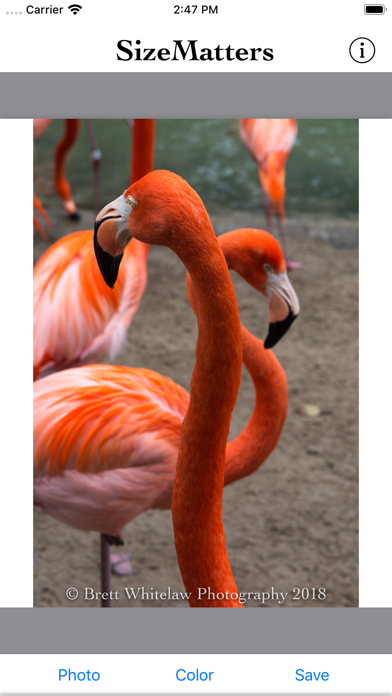
Have you ever wanted to post a portrait-orientation picture to Instagram, but when you go to do so, Instagram forces you to crop it because it is "too tall" for Instagram?
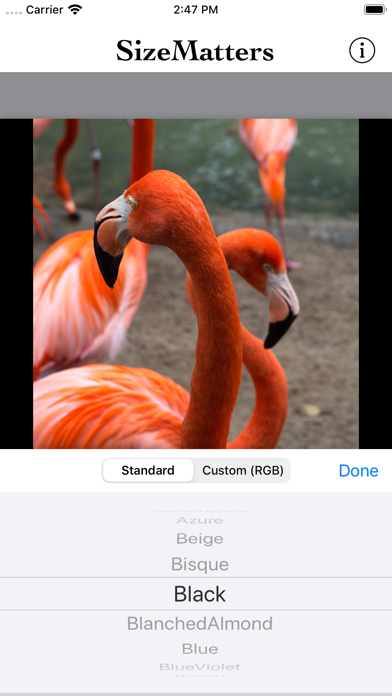
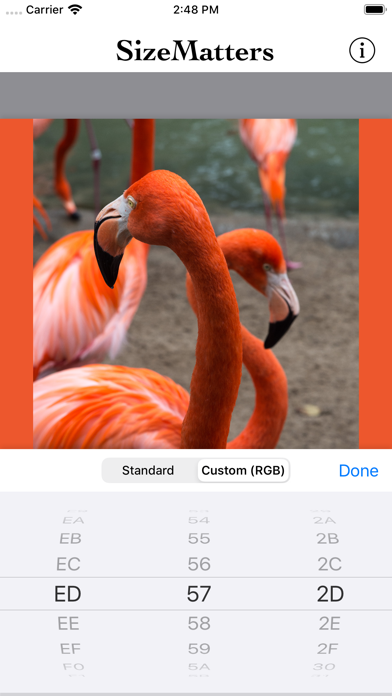
This extremely simple, free, no-ads app is meant to operate just like a no-cropping, put-it-in-a-square app, for prepping your pictures to share on services like Instagram. The difference is that this app puts-it-in-a-rectangle that is the maximum size allowed by Instagram (1080x1350). This is super helpful for portrait images that are too tall for Instagram, or for sharing multiple images that all have different orientations and/or sizes.
A free web-based version of this tool is also available for use on the app's website (http://sizematters.brettwhitelaw.com).