
iPhone Screenshots
Description
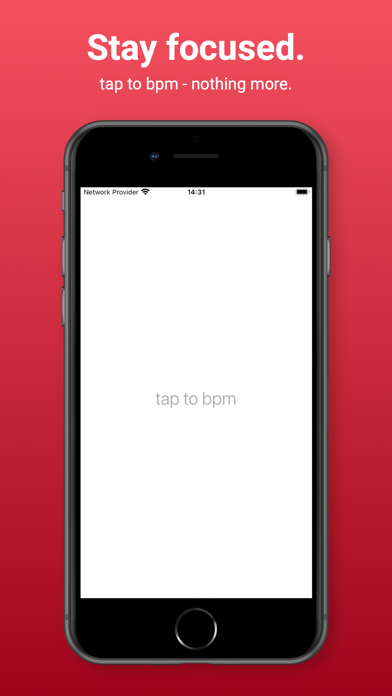
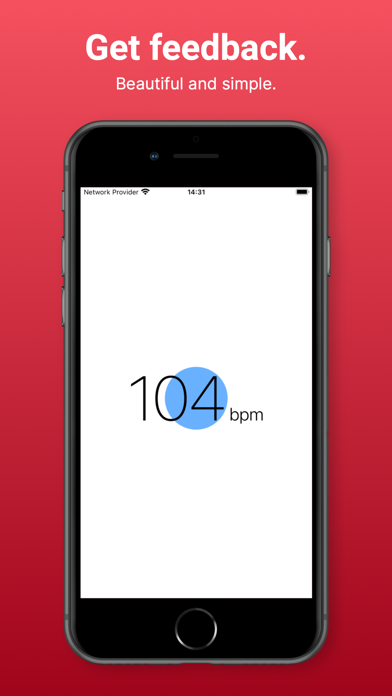
Detect and measure song tempo by tapping the screen at least three times. Pause for 2 seconds then tap again to reset the BPM counter. Sync with Apple Watch for seamless tempo tracking.
Discover the rhythm effortlessly with 'tap to bpm' – the ultimate tool for finding the tempo of any song with just some taps on your screen. Now, with seamless integration for your Apple Watch!
How it works:
- Tap the screen at least three times to capture the tempo.
- After a brief 2-second pause, tap again to reset the BPM counter and start afresh.
Unleash the power of precision and simplicity in tempo detection, whether you're a musician, dancer, or just curious about the beats around you. 'tap to bpm' puts the tempo at your fingertips, offering a user-friendly experience that makes finding the perfect rhythm a breeze.