
s Identity
Set up secure login and sign-in method
Erste Bank der oesterreichischen Sparkassen AG
iPhone Screenshots

Description
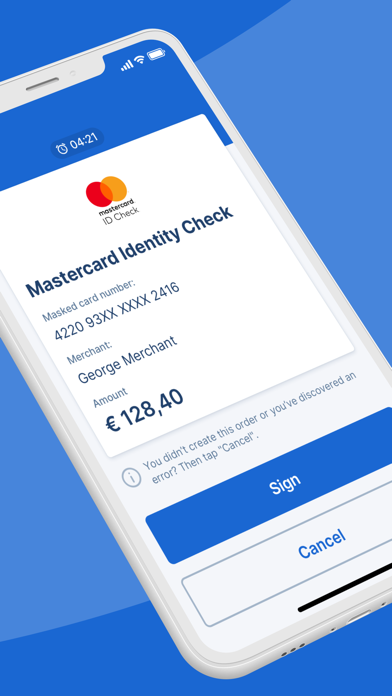
Securely manage login and signing methods for George and George Business. Enable fingerprint or face recognition for authentication. ctivation codes for Telebanking Pro via or PC/MAC. Replace SMS-based verification with -based authentication.
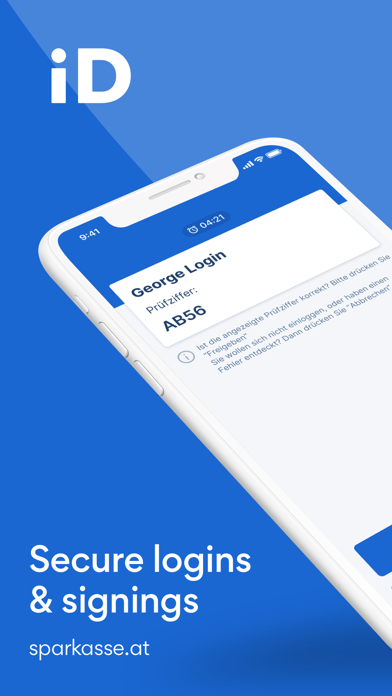
s Identity – the signing and login method for George and George Business
Secure, fast and comfortable even without SMS.
Download s Identity App and then start the change of the login & signing method in George (Business) via PC/MAC (settings). At the end of this process you generate the activation code for the App. Or start the activation in the George (Business) App at the product info screen. Available even with fingerprint or face recognition for login and signing.
Get your activation code for Telebanking Pro from your administrator or your account manager.
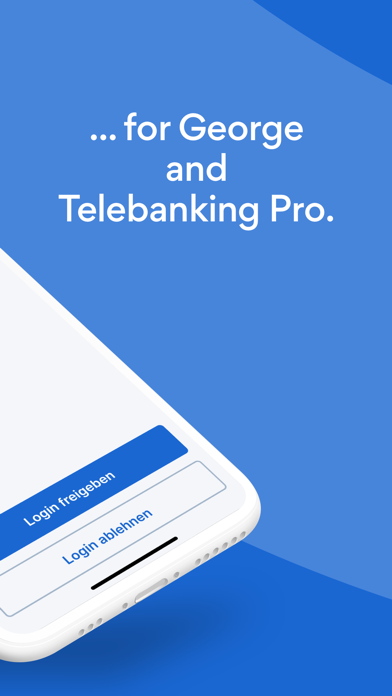
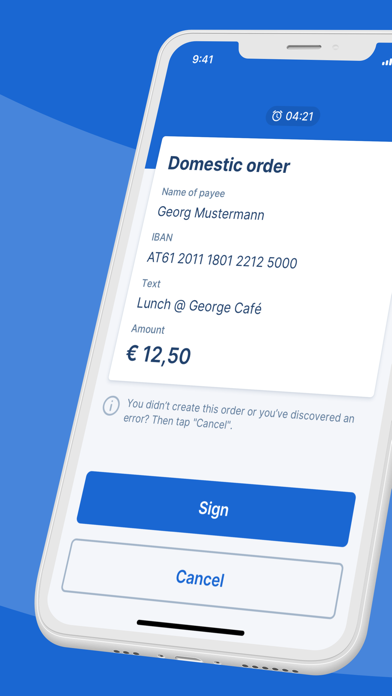
Login to George & co with your s Identity the smart way: Start signing in or log into internet banking and confirm this action in your s Identity app. Everything else is done automatically. Get started now.