
CoreMLCompare
Compare models in real-time with Vision Framework
Cristian Sava
iPhone Screenshots





Description
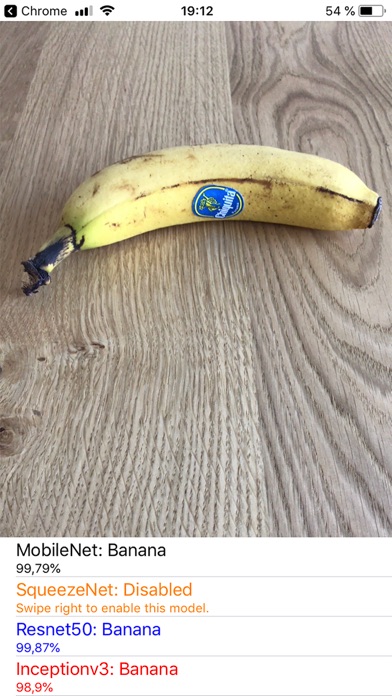
Compare CoreML models by importing them via pasteboard or file download. Adjust model names and colors. Test models in real-time using Vision Framework for object detection. View performance metrics and compare results side-by-side.
CoreMLCompare allows CoreML models to be easily compared and tested in real-time using the Vision Framework. The purpose is to seamlessly compare different models when detecting objects or quickly test your trained model, without the need to build your own test app.
Features:
- Import a new model either by using the pasteboard or after downloading the .mlmodel file on the device (browser download)
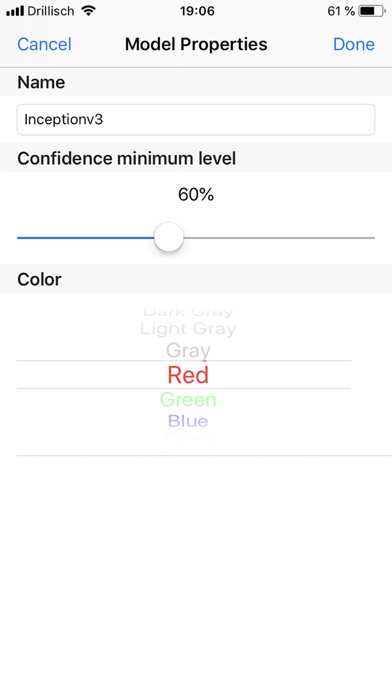
- Change the model default name and configure a different color for it
- Each model can be configured with a different minimum confidence level between 40% and 90%
- Stopping specific models from detecting objects - using 4 models in parallel is quite processing-intensive
- Can detect hot dogs (or bananas)