
iPhone Screenshots
Description
OmniAccess Stellar LBS provides high accuracy, easier to install and manage Indoor Location services which include Blue-dot, Way-finding, Fine Geo-fencing, Geo-Notification and Advanced Location analytics.
This version of OmniAccess Stellar LBS Installer allows you to test the iOS flavor of Stellar LBS Solution based on Bluetooth Low Energy (BLE) Infrastructure + advanced fusion algorithm.
To use Stellar LBS Installer, you need a Stellar LBS Cloud Manager account. You can sign-up at following URL : https://www.omniaccess-stellar-lbs.com
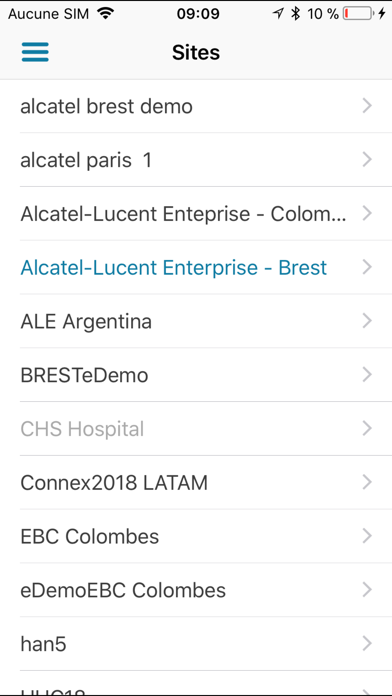
1/ Upload the floor plans of your building on Stellar LBS Cloud Manager's web interface and follow the guidelines
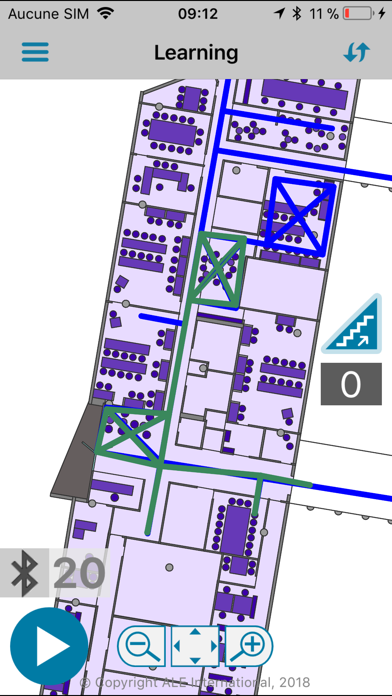
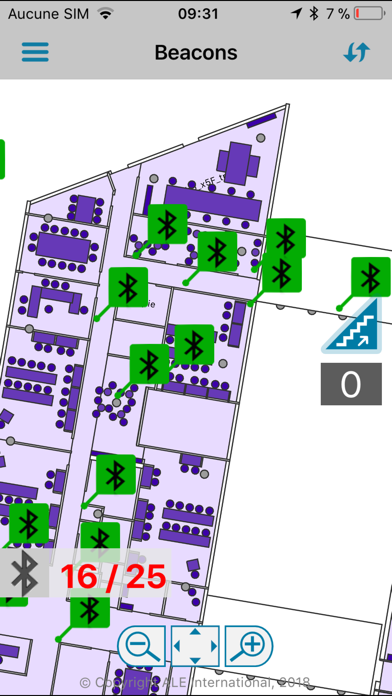
2/ Install OmniAccess Stellar LBS Beacons and perform calibration in the building using Stellar LBS Installer.
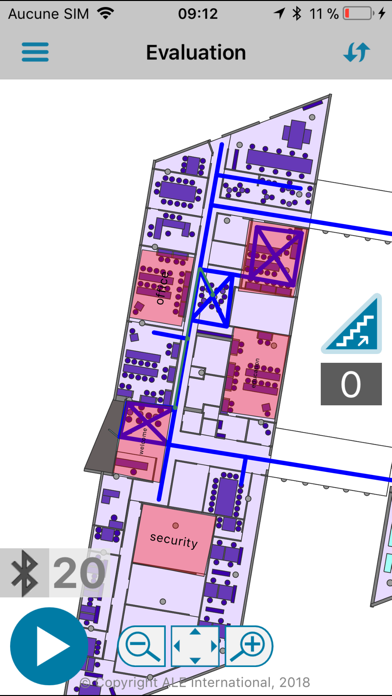
3/ Demonstrate solution to your customers on Stellar LBS Installer.
Notes:
- OmniAccess Stellar LBS Installer is also available on others operating systems and works using Bluetooth Low Energy beacons. For more information, contact us your regional ALE sales person.
- The OmniAccess Stellar LBS Installer (terms of services and privacy policy are included and available in Stellar LBS Cloud Manager.
- For any technical question, comments, suggestions or bug reports, please contact our support team at [email protected].
note: Continued use of GPS running in the background can dramatically decrease battery life.