
iPhone Screenshots
Description
# How to use - essential reading!!
* Auto-discovery of phrases
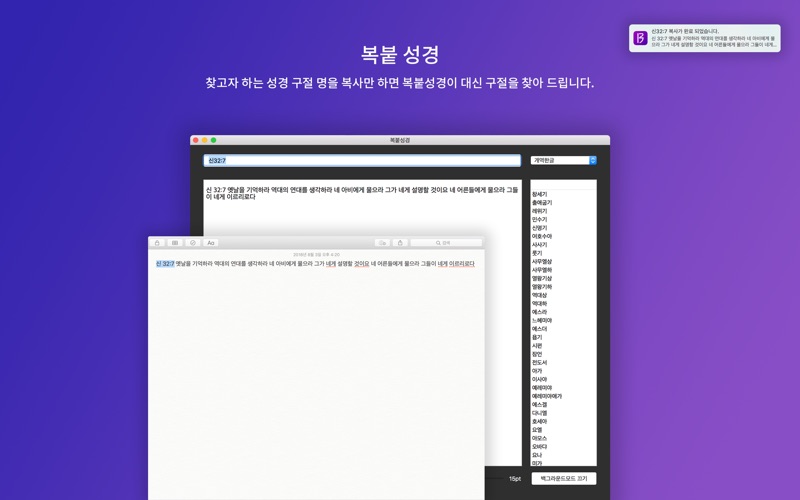
- After you copy the phrase you want to copy, go to 'Macbook bible' and the phrase will automatically be found and copied to the clipboard.
- When you turn on the background mode, you automatically find and copy the Bible to the clipboard without copying the phrase-name to 'Macbook bible'. (Minimize the screen and try it!)
ex)
- [Default Mode] Copy 'Deut32:7'! -> Go to 'Macbook bible' -> Copy of phrase completed!
- [Background Mode] Copy 'Deut32:7'! -> Copy of phrase completed!
* Manual search of phrase
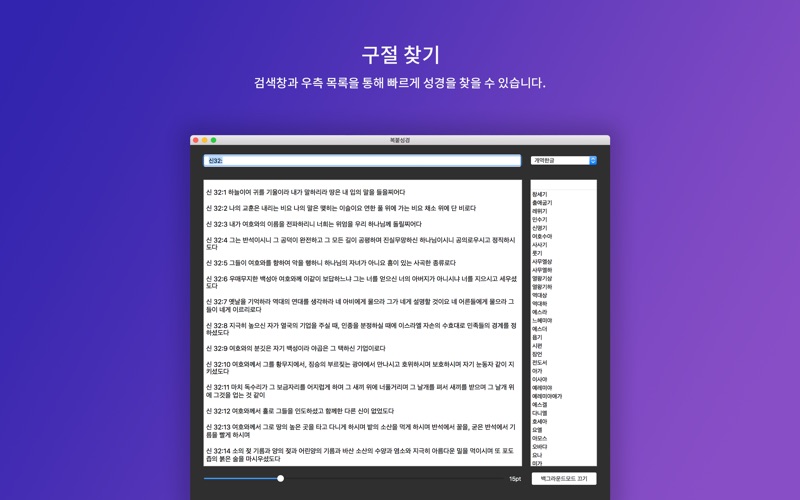
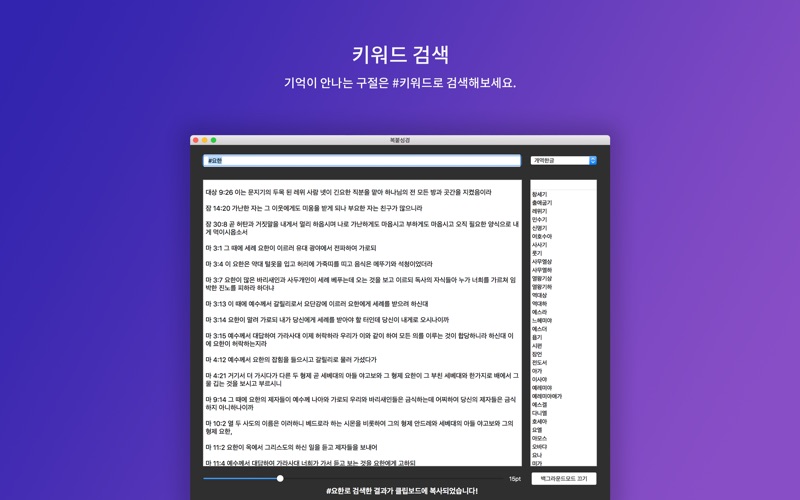
- Search for a phrase or # keyword using the right Bible list and the search window!