
iPhone Screenshots
Description
SecureMail makes it easy to send secure emails direct from your Mac.
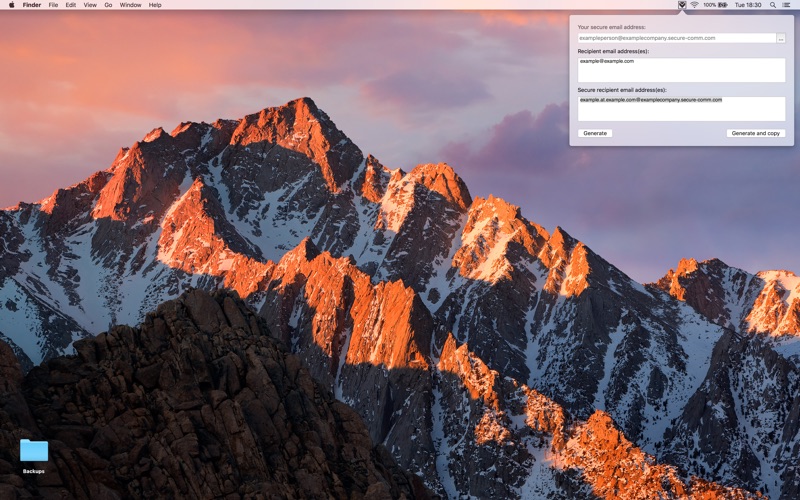
To use, simply download and install the app. It will add the StayPrivate icon to the Status Menu top right of your screen. Click on the icon, add your secure email address.
To send a secure email, simply paste (or type) your recipients into the box and hit 'Generate' to create the secure email address equivalents.