
iPhone Screenshots


Description
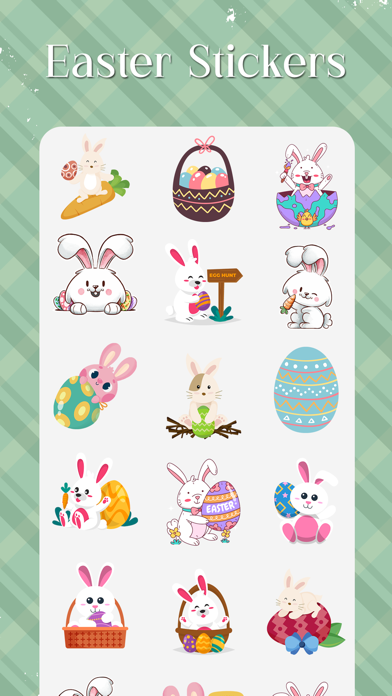
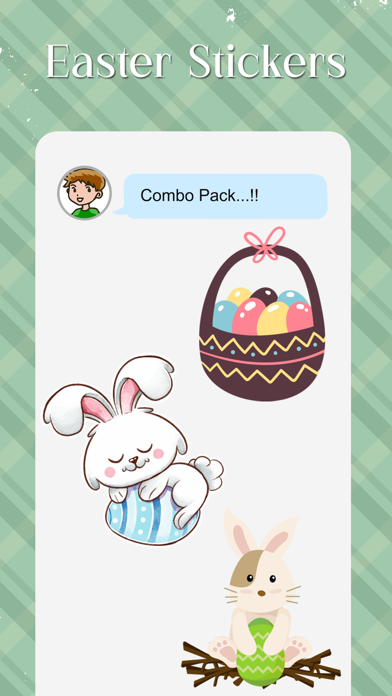
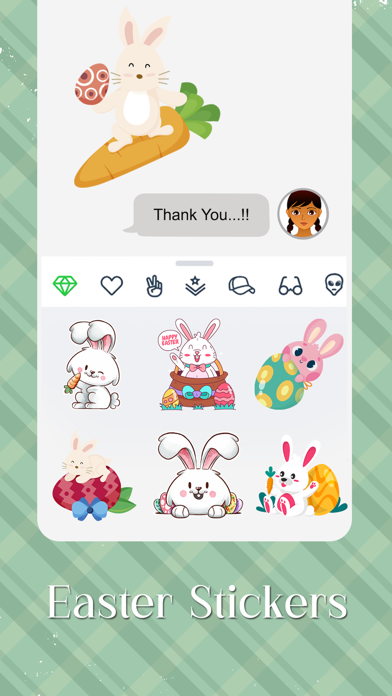
Download and install Stickers for iMessage. Access through iMessage by tapping the Store icon. Open the drawer and select the Stickers . Send stickers with a single tap to iMessage conversations.
Downloads Easter Stickers-2018 for iMessage.
How to Use and Install:
-To access iMessage apps, compose a new iMessage to a friend.
-Tap the App Store icon alongside the compose field.
-Tap the lower left corner along with camera to open the app drawer.
- Select your's Stickers app .
- Just with a single tap send stickers.