
My Inventory – Home Tracker
Check , track expiration dates, manage stock
Tatsuhiko Koyama
iPhone Screenshots
Description
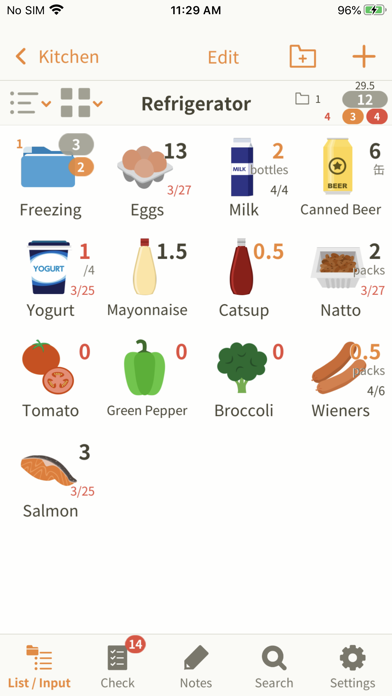
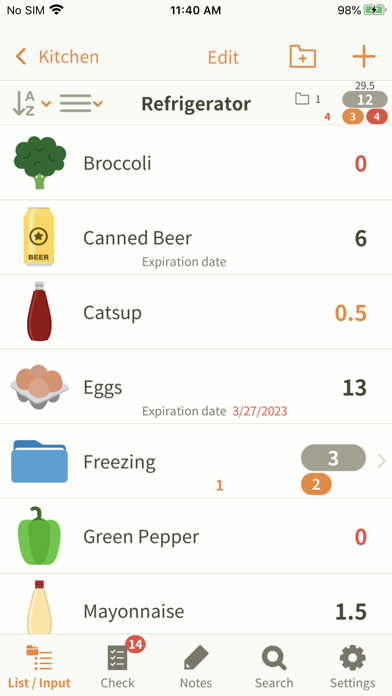
Track household items by entering quantities or expiration dates. Subtract when using products or add when restocking. View to avoid duplicate purchases and manage food storage effectively.
Have you ever wondered if you still have stocks when going grocery shopping?
"My Inventory" will help you in such situations.
Quickly launch the app, and check your inventory.
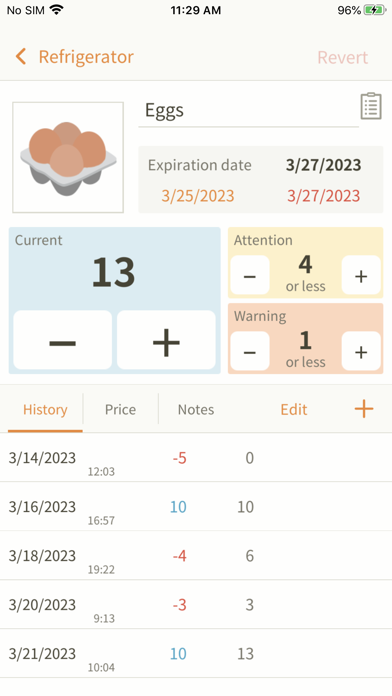
Enter the number of pieces or expiration date of the commodities in your fridge or kitchen storage, for example. Then subtract number when you use them or add when you restock the products.
This application helps you keep track of what you have at home, so you don't need to prepare notes before going at the grocery anymore.
Furthermore it allows you to:
1. Take note of the price or store where you get a product.
2. See frequency of use (The increase and decrease will be recorded automatically).
3. Write down whatever you want to keep in mind in the Notes field.
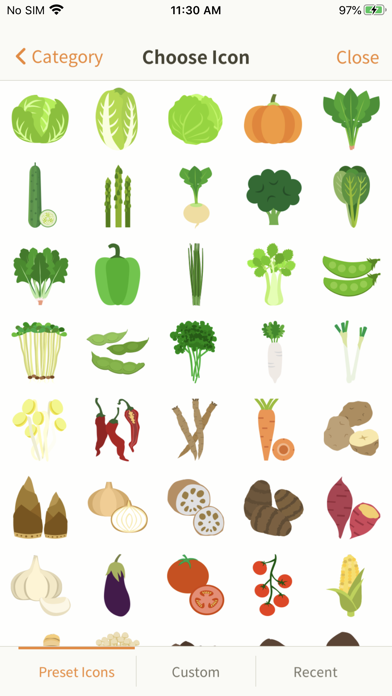
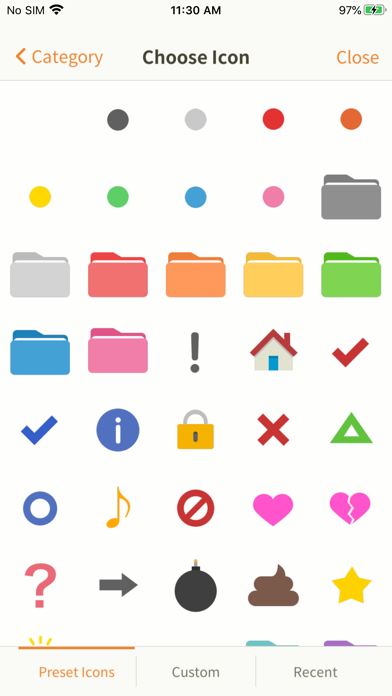
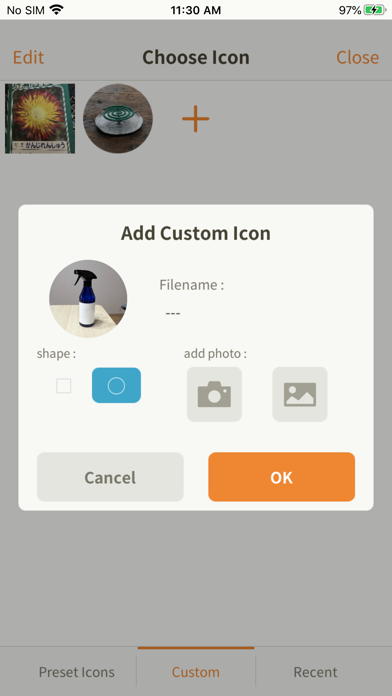
The app features more than 600 icons. If you don't find an appropriate icon, you can take a picture and create your original icons.
It also allows you to organize groups for your convenience.
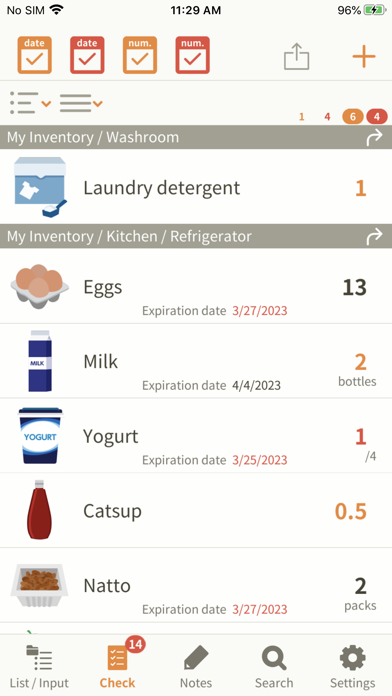
The items that are running out are shown in the Checklist.
Each item can be set to show a given number of warnings.
When you restock the item, the warning will automatically disappear from the Checklist.
Why don't you start using "My Inventory" as your daily living tool?
iCloud supported. It is useful for backing up and sharing data.
* Emoticons cannot be used
You can try it with the free version "My Inventory LT".