
Binder by Magaya
Send attachments to database items
Magaya Corporation
iPhone Screenshots



Description
Allows sending attachments from a phone to database items or transactions. Users connect via a 5-digit Network ID and use their username and password. Attachments can be sent directly to database entries.
Binder is an extension to any Magaya software product and allows sending attachments directly from your phone to items or transactions in your database.
Binder only works with Magaya version 11 or more recent! Please contact Magaya if you need help updating your system.
Follow these simple steps:
1. Connect to your database by entering your 5-digit Magaya Network ID
2. Your Binder Username is displayed in parentheses on the title bar in Magaya, for example (johndoe). The Password is the same you use for Magaya.
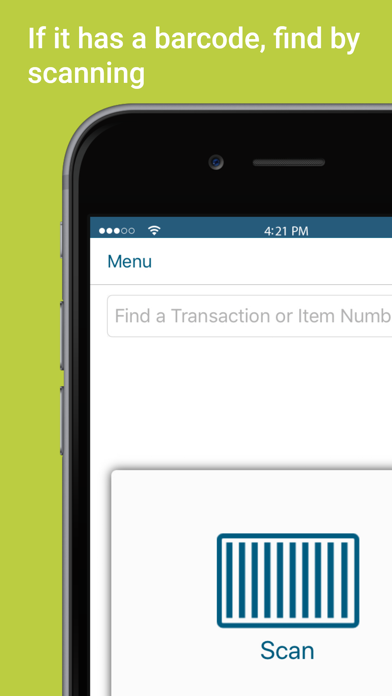
3. Find the transaction or item by manual search or scanning a barcode
4. Take pictures with your phone camera or choose existing ones from gallery
5. Review and submit. The photos will be sent to the Attachments tab of the record in Magaya.