
Lightsaber Simulator
Sheath, wave, stop, spark, shine
Dezhou Meiwang Information Technology Co., Ltd.
iPhone Screenshots
Description
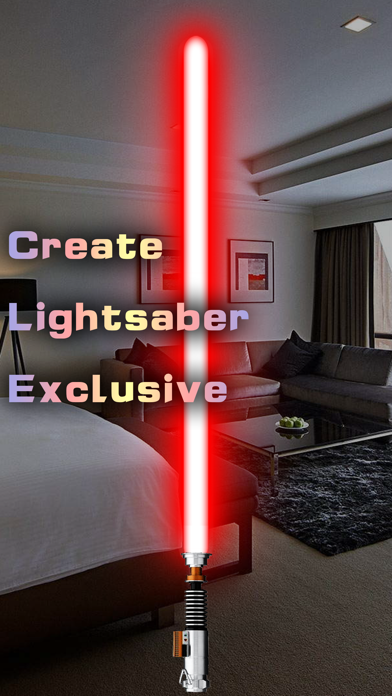
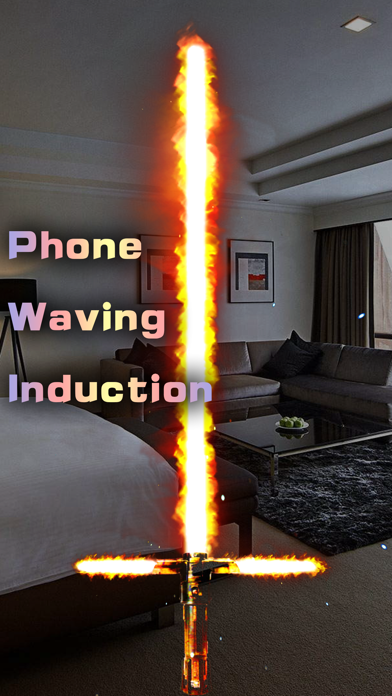
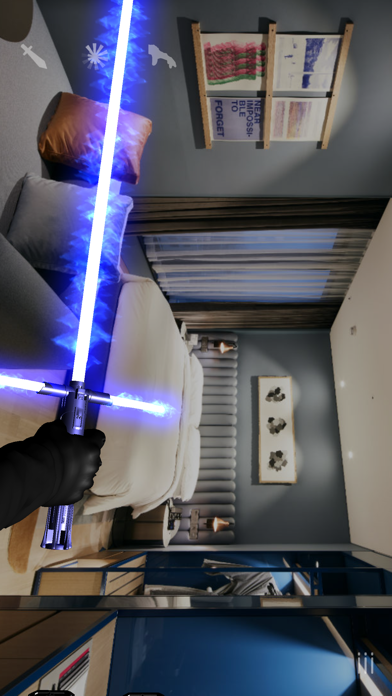
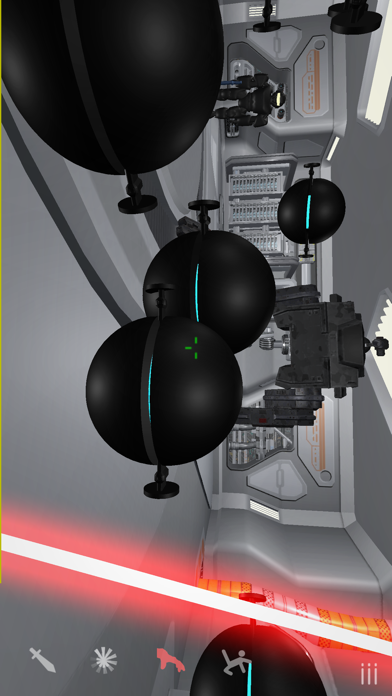
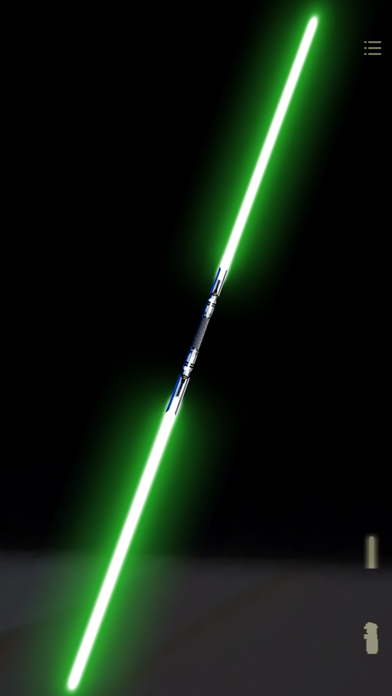
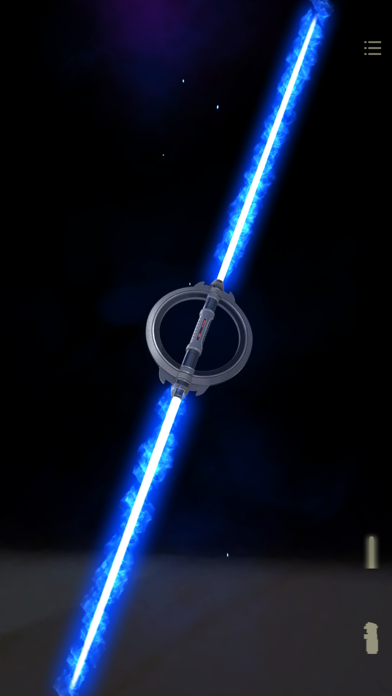
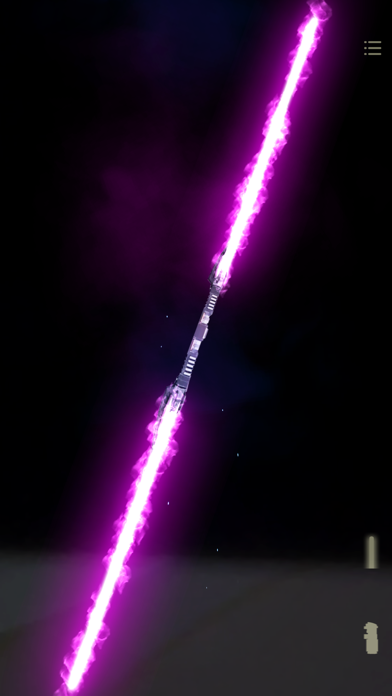
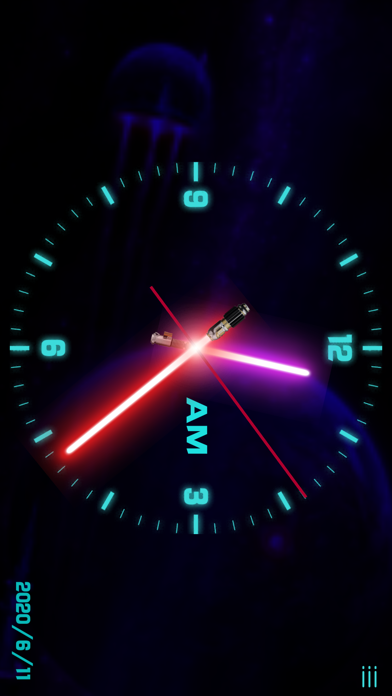
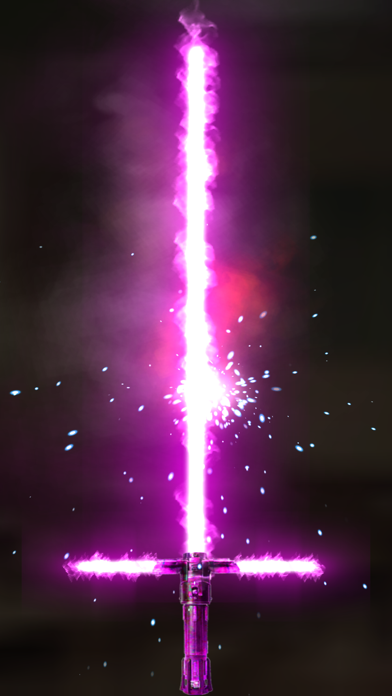
Simulate combat with motion controls. Unsheath the blade by tapping the handle. Wave the phone to swing the saber. Stop motion to end attacks. Touch the blade to create sparks. Use translucent buttons on the right side for additional actions.
High simulation lightsaber simulation software, streamlined and realistic picture.
Operation introduction:
- Click the handle to make the lightsaber unsheathed;
- Waving mobile phone operation;
- Suddenly stop waving operation;
- Touch the lightsaber blade to rub off sparks;
- There are translucent buttons on the top and bottom of the right side of the screen;